
Your soundtrack.
Your directions.
Your car.
Phone integration belongs in the conversation when you love the car but want more from its centre screen. First, find out which type of upgrade your factory system can use.
Check options for my car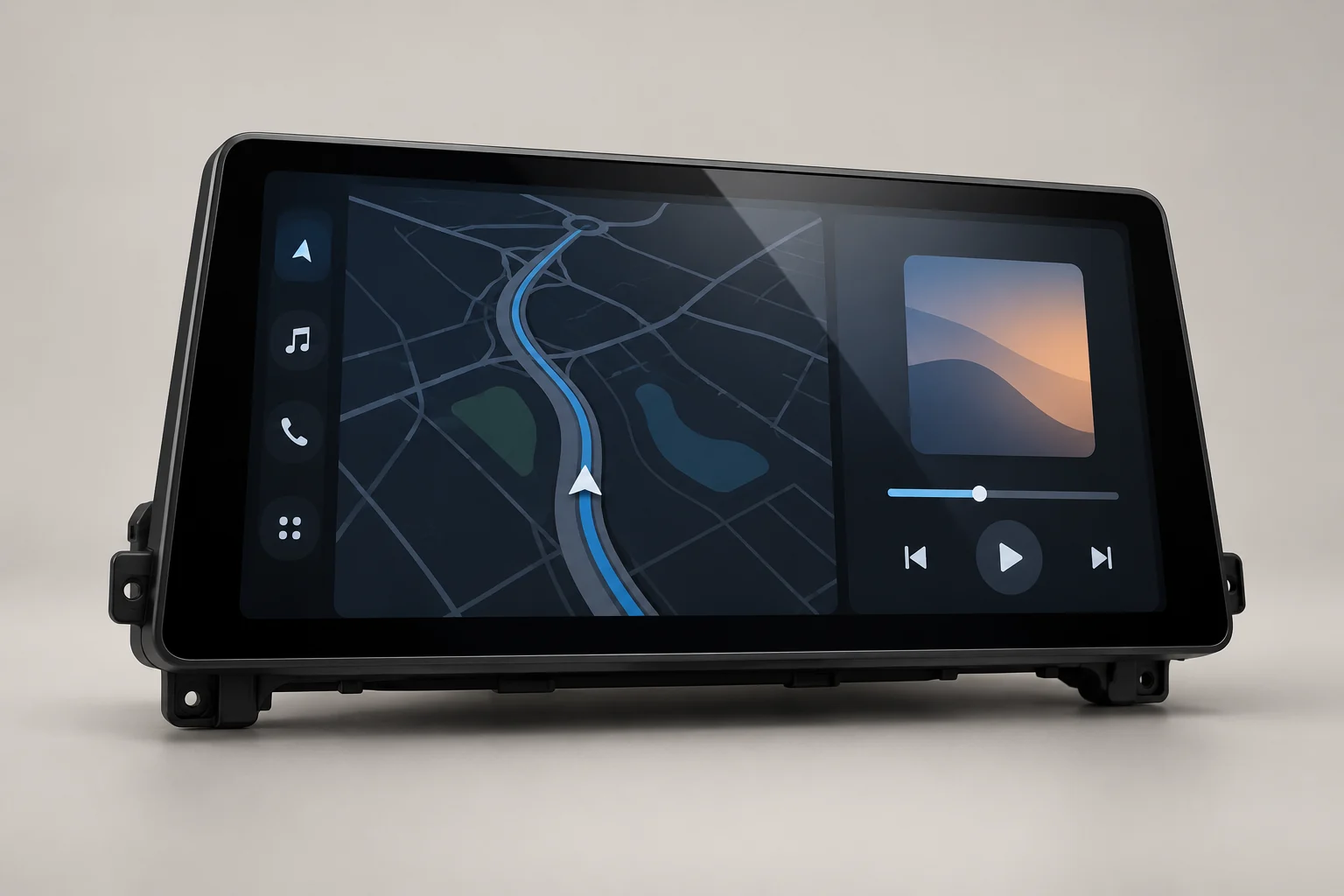
The centre screen.
The whole system matters.
Navigation in view
Use compatible navigation apps on a suitable display. Screen position, connection type and controls matter as much as screen size.
The audio you choose
Understand how an upgrade connects to your original audio system, including factory amplifiers and any additional adapters.
Controls that make sense
Check how the system handles touch, rotary controls, steering-wheel buttons, calls and the original vehicle menus.
The hardware is
only the beginning.
These are buying considerations. The specification of each individual unit is what counts.
Interface upgrade
Keeps the original display where the car and interface allow it. Check how to switch between the factory system and phone integration.
Replacement display or head unit
Changes the screen or unit. Check resolution, mounting, audio routing and access to original vehicle settings.
The details
we start with.
Changing the display is only one part of the job. Audio routing, original menus, microphones, cameras and vehicle controls need to work together.
- 01Make, model, generation and build year
- 02Original screen size and a photo of the menu
- 03Factory head-unit version and connector type
- 04Factory amplifier, camera and parking sensors
Know what’s involved.
Before the trim comes off.
Ask what is supplied, what needs to be reused, and whether adapters, wiring or configuration are required.
If an installer is doing the work, share the exact product specification with them first. Keep a record of the original system and complete the function checks after fitting.
Ask a fitment questionQuestions for
this upgrade.
Is a bigger screen always better?
No. Fit, display quality, visibility, control layout and factory-system integration all matter. A larger display can be the wrong choice for a particular dashboard.
Will factory cameras and parking sensors still work?
That must be confirmed for the specific unit and your existing equipment. Do not assume retention from a model name alone.
Does CarPlay mean the screen runs every iPhone app?
No. CarPlay uses compatible apps and supported functions. The available experience depends on the phone, software and hardware.
Will the connection be wired or wireless?
That depends on the product. Check both phone compatibility and the exact connection specification before choosing.