 01 / CABIN
Bring the cabin up to date.
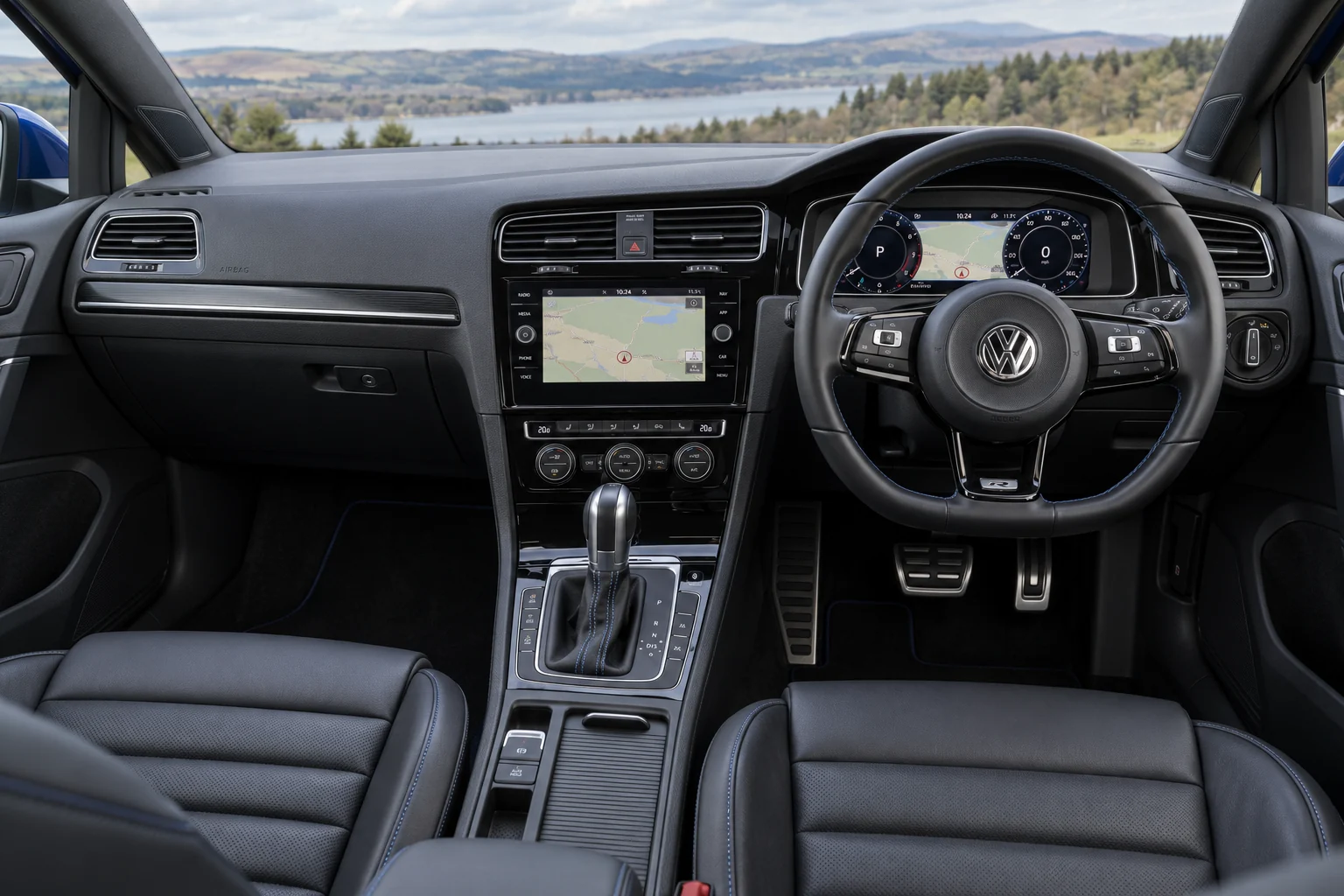
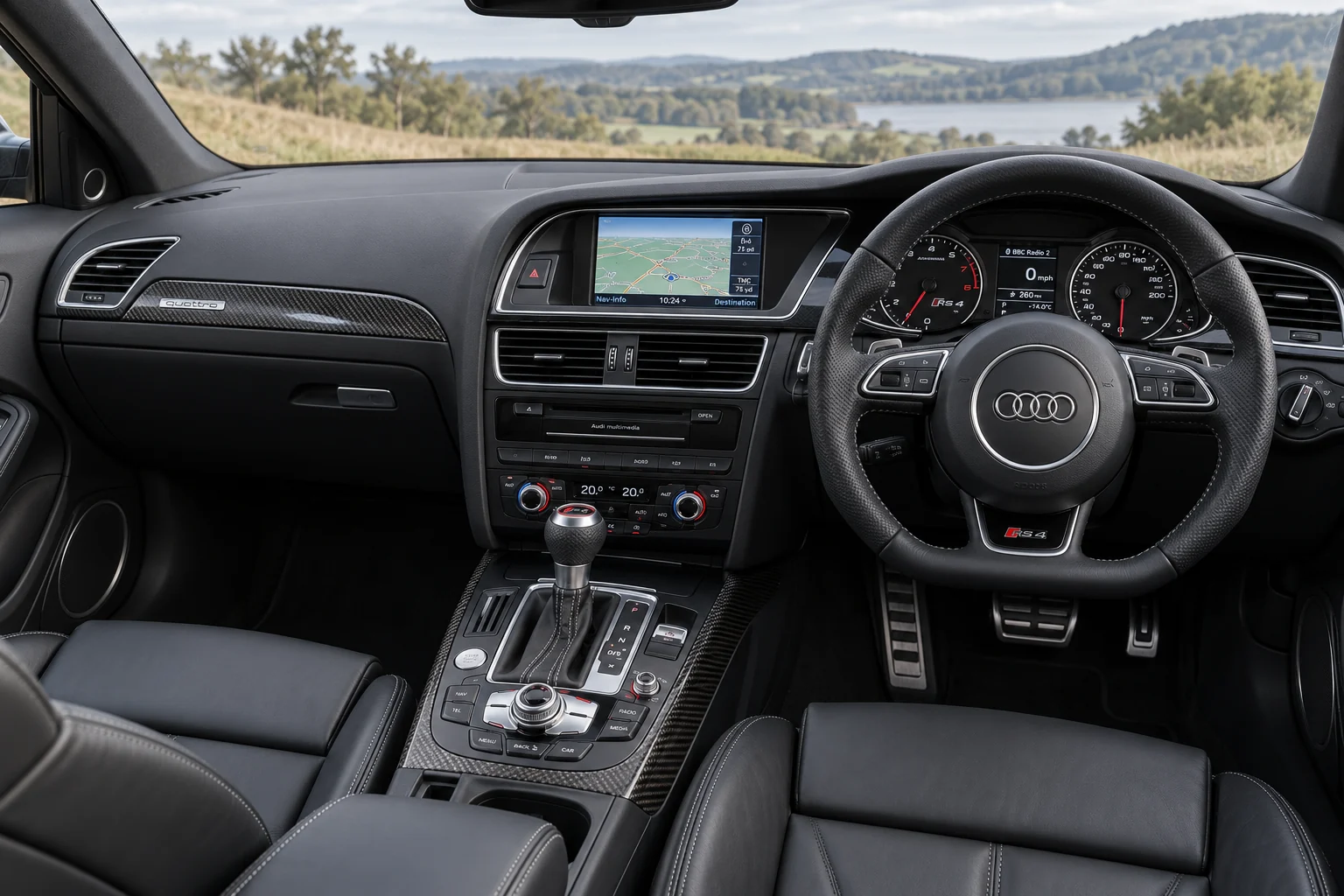
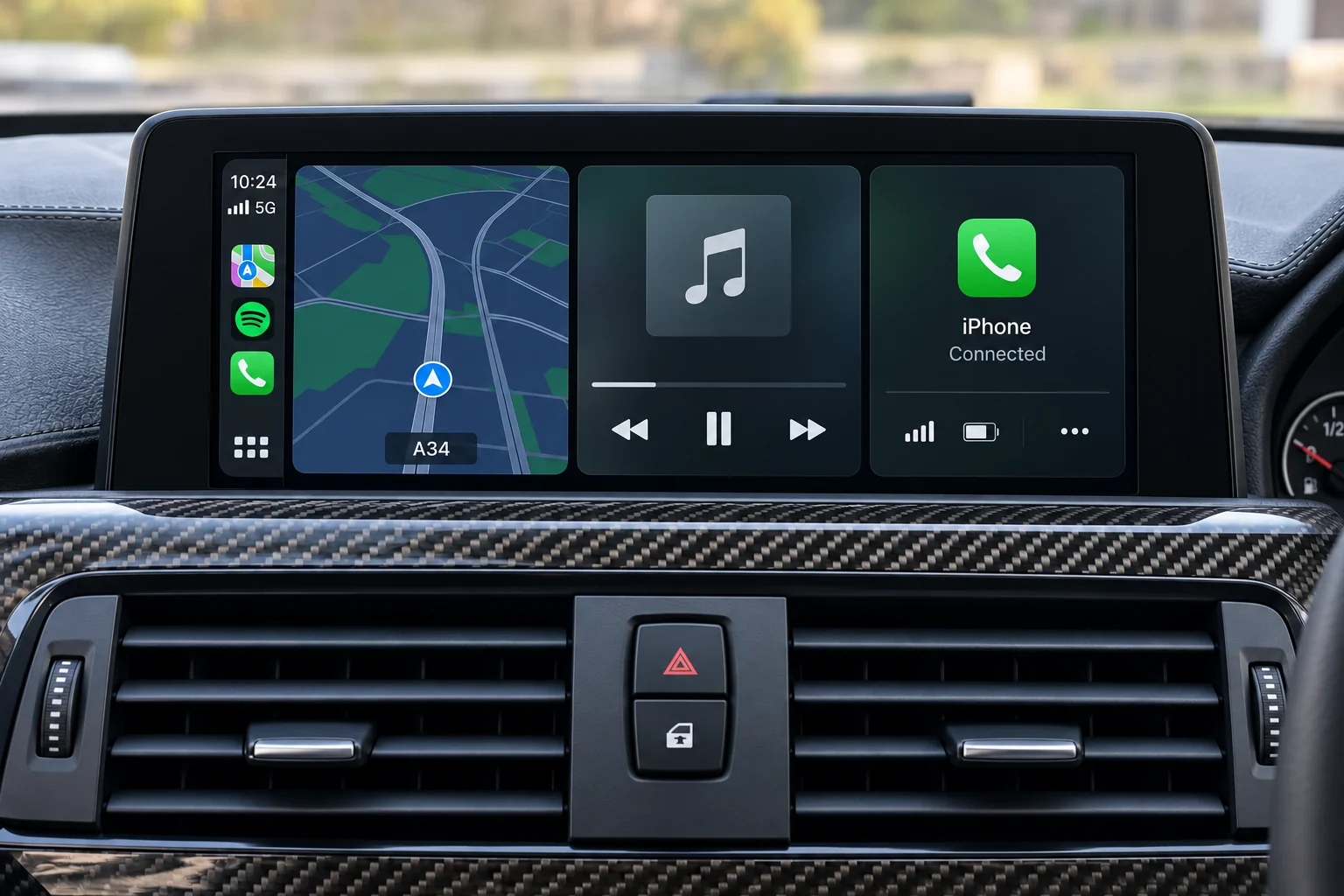
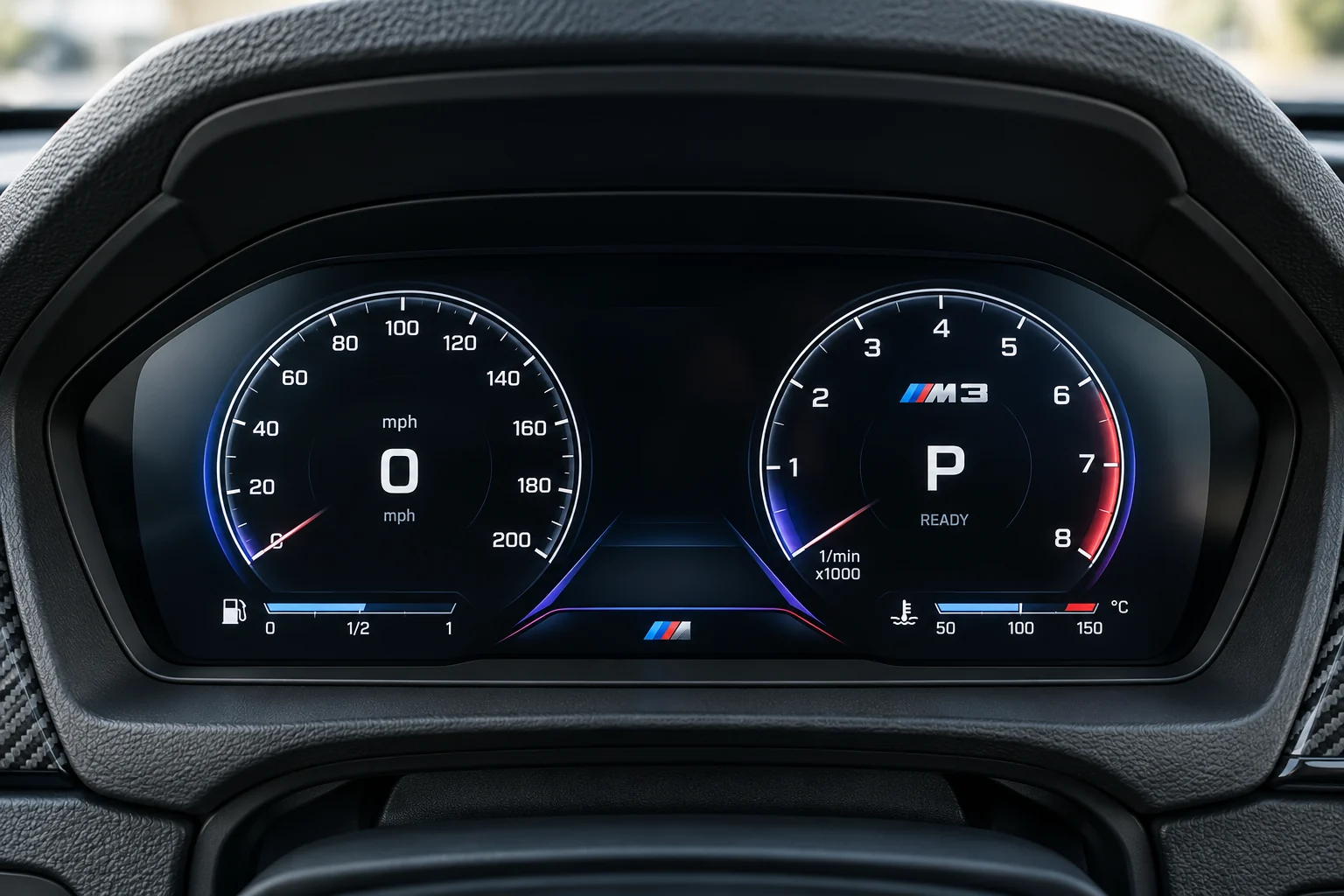
Keep the character of the car. Add phone integration, a clearer screen or a different view behind the wheel.
Cabin technology. Wheels. Exterior details.
Thoughtful upgrades for the car you want to keep.
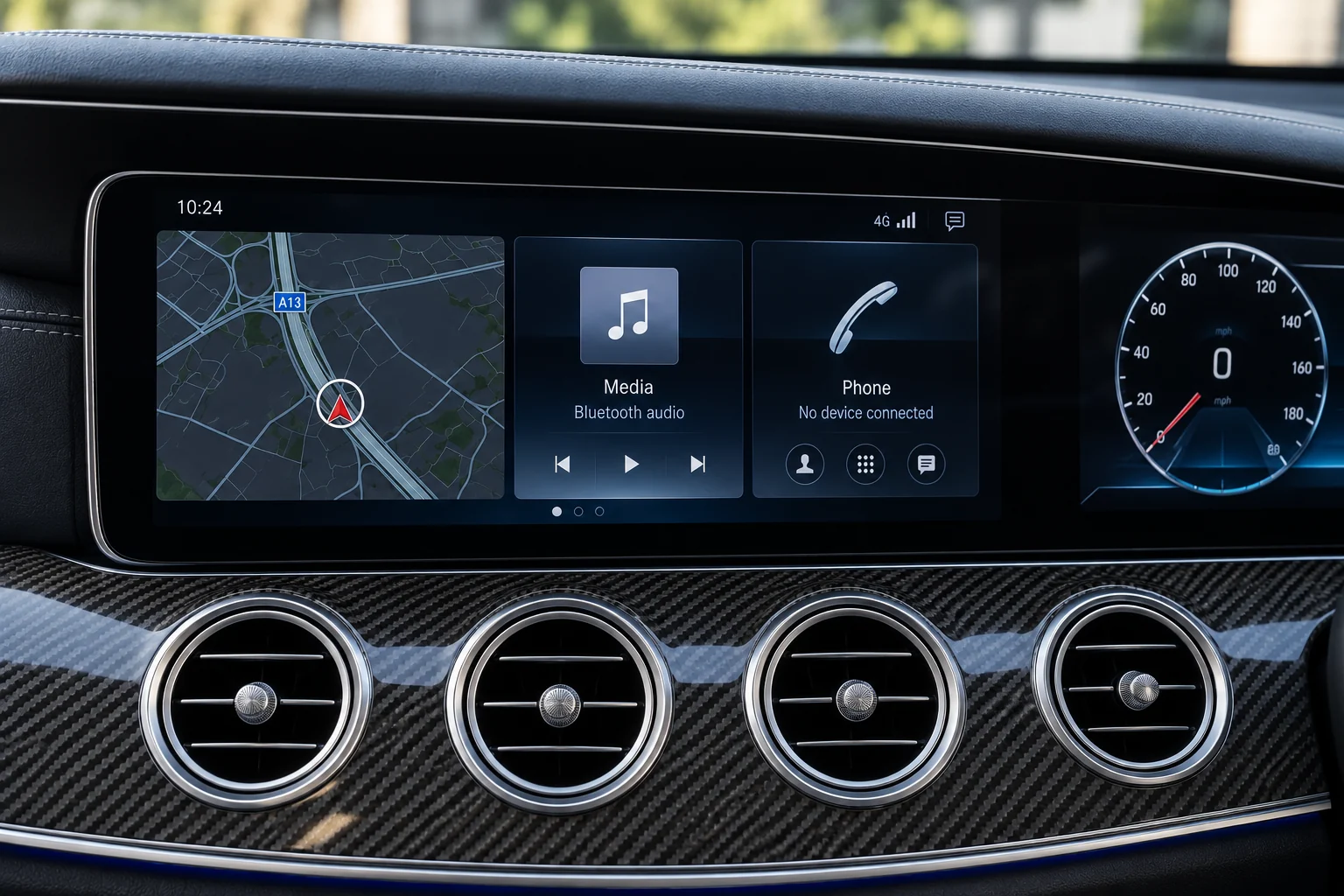 01 / CABIN
Keep the character of the car. Add phone integration, a clearer screen or a different view behind the wheel.
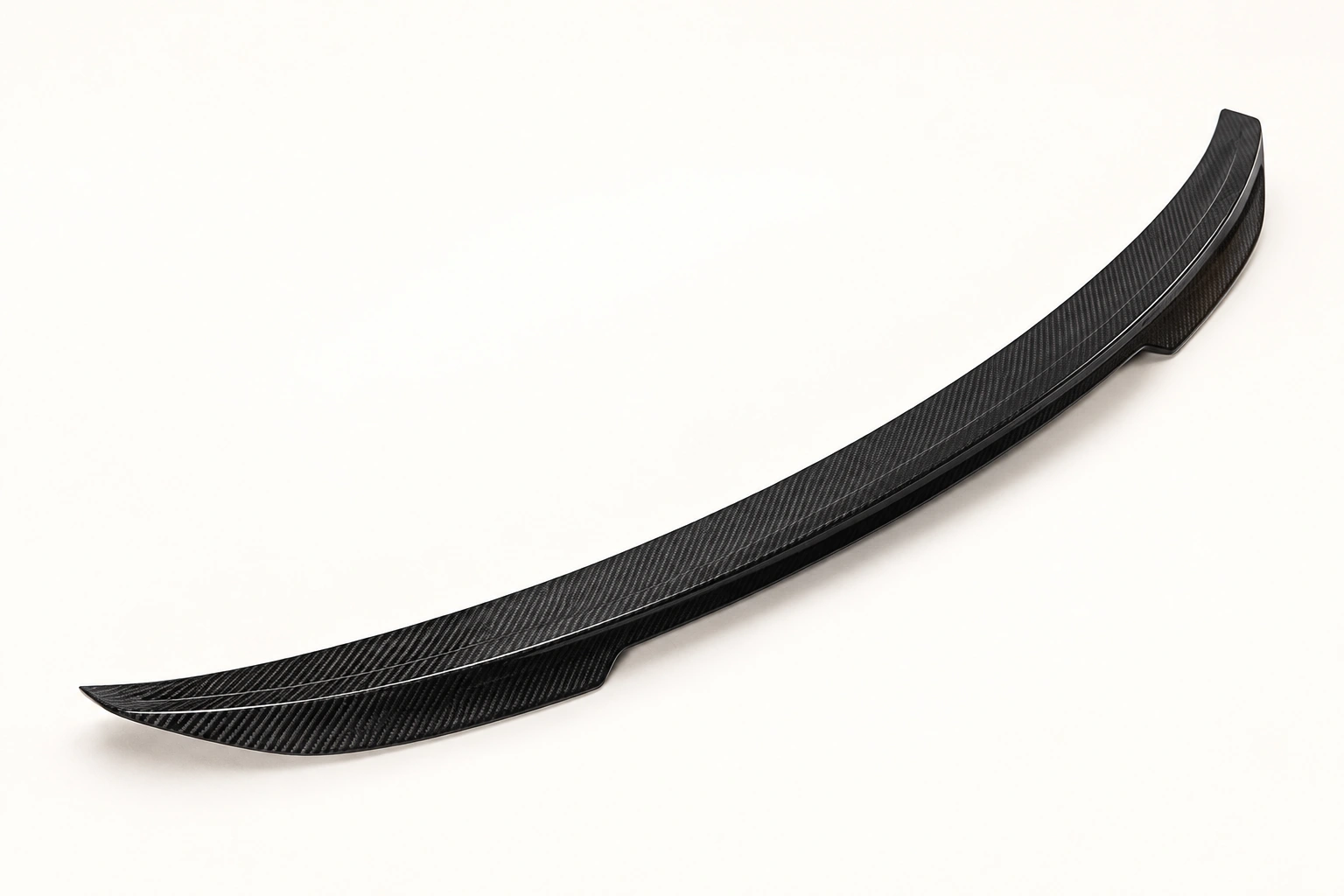 02 / EXTERIOR
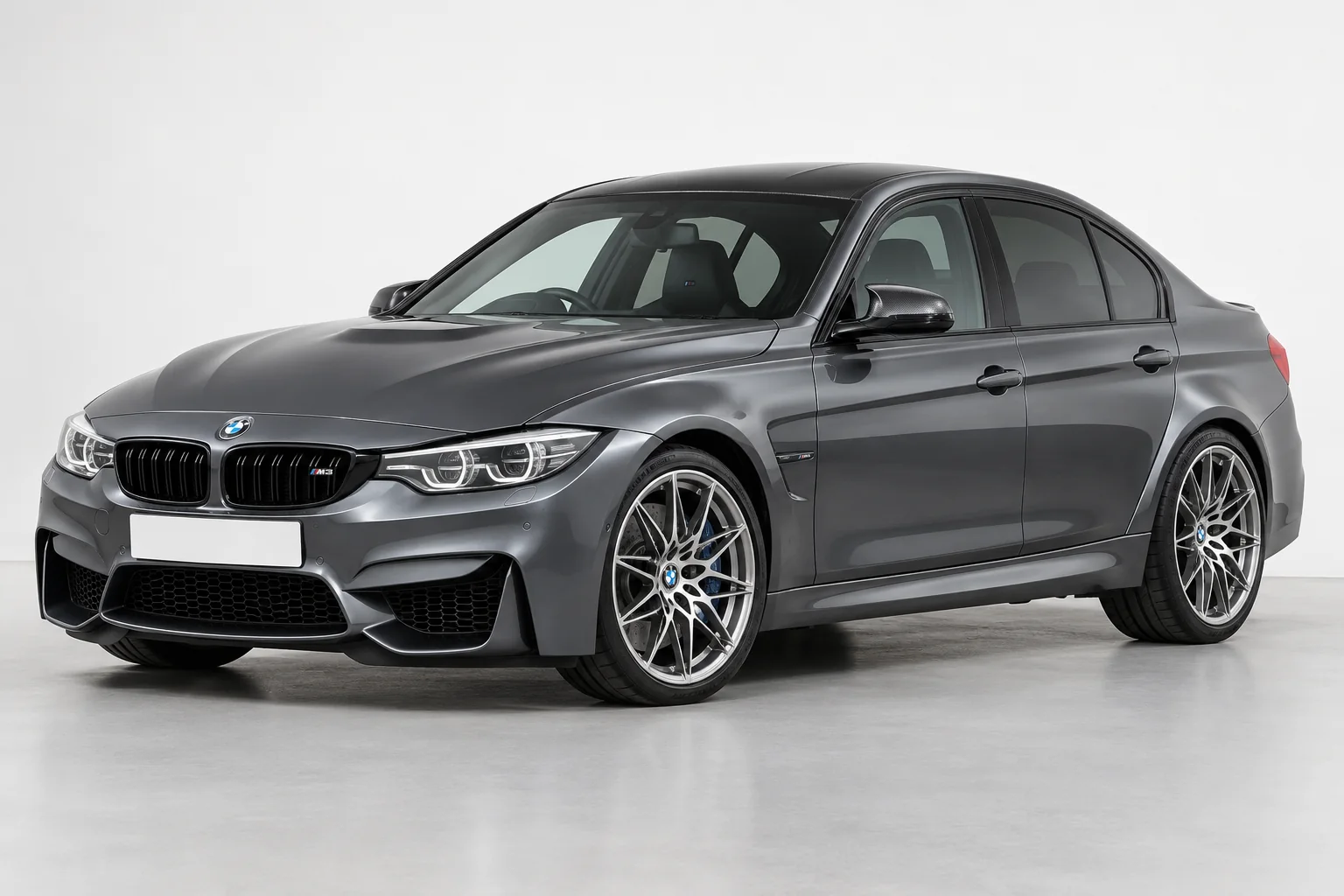
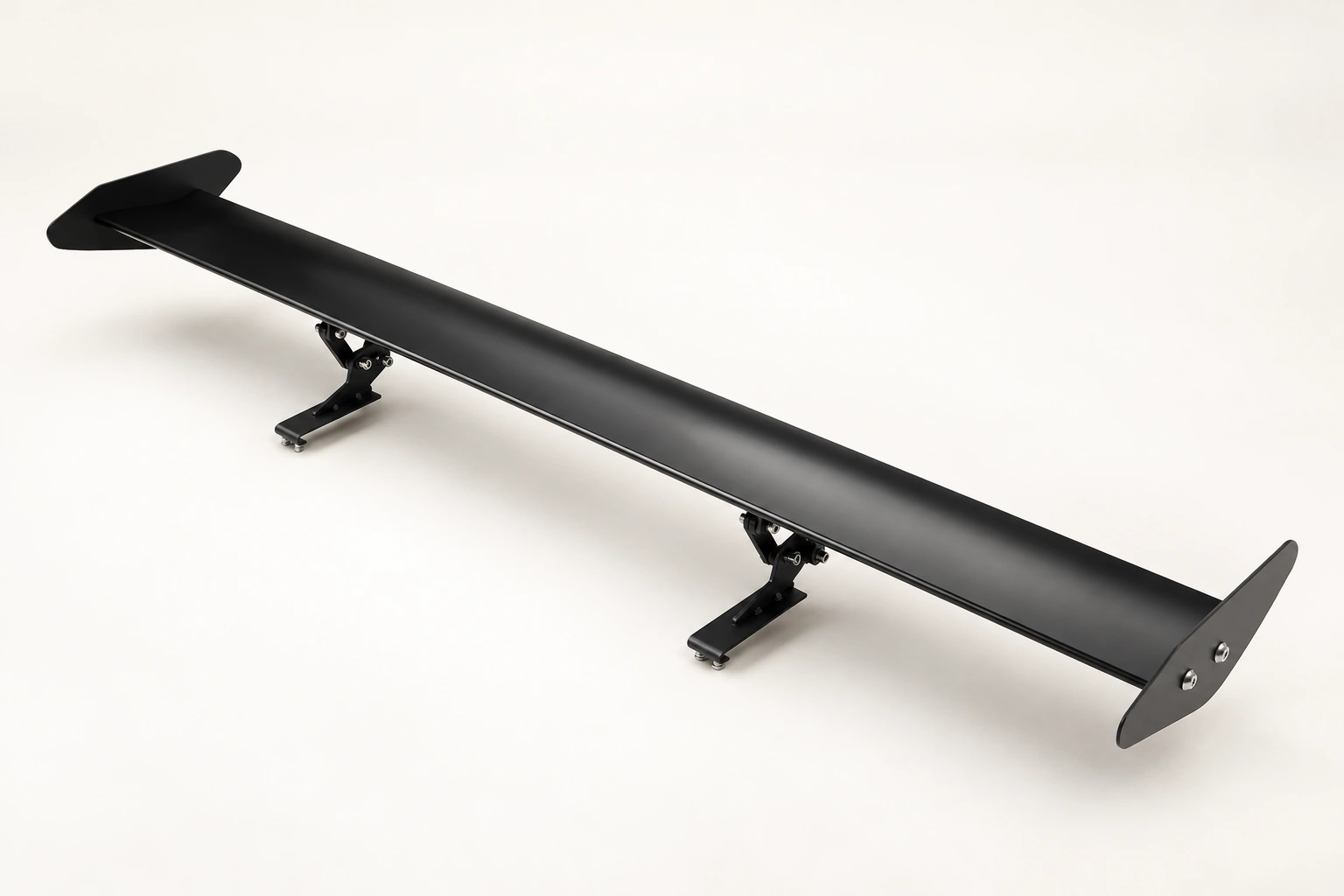
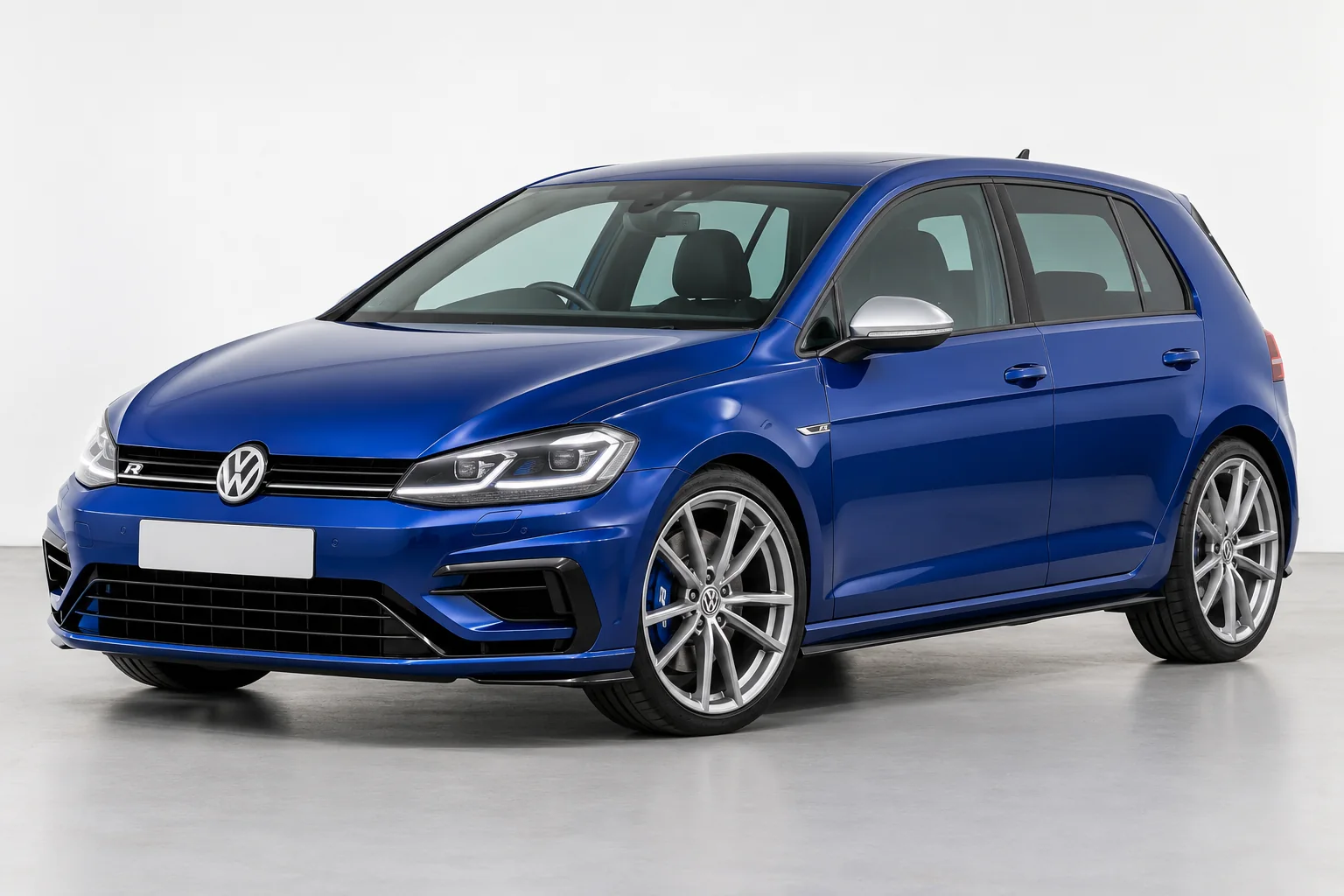
A subtle lip, a different rear profile or a more deliberate bumper line. Explore the detail around your car.
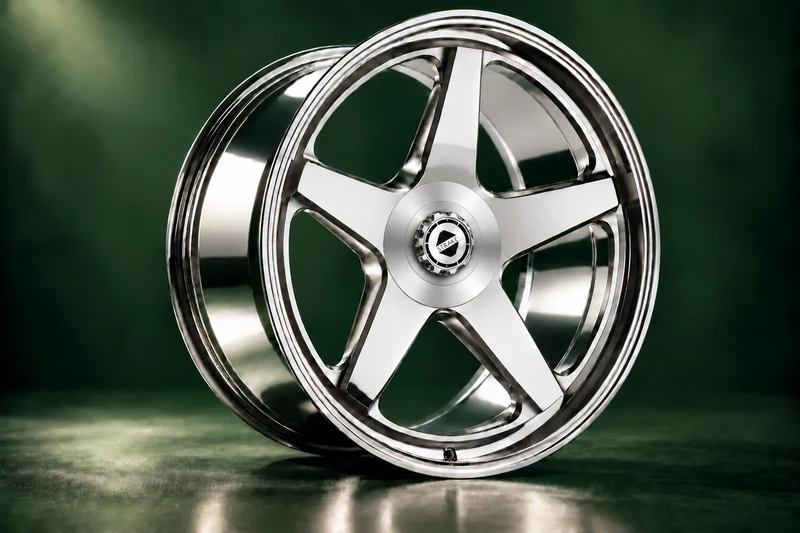 03 / STRAKE WHEELS
Explore STRAKE wheel designs, with the dimensions and finish specified around your car.
Choose your materials, colours and controls. Explore our individual steering wheels and make your chosen design yours.
Navigation, music and the information in front of you. Find a starting point for your original setup.
Keep the factory display. Explore phone integration.
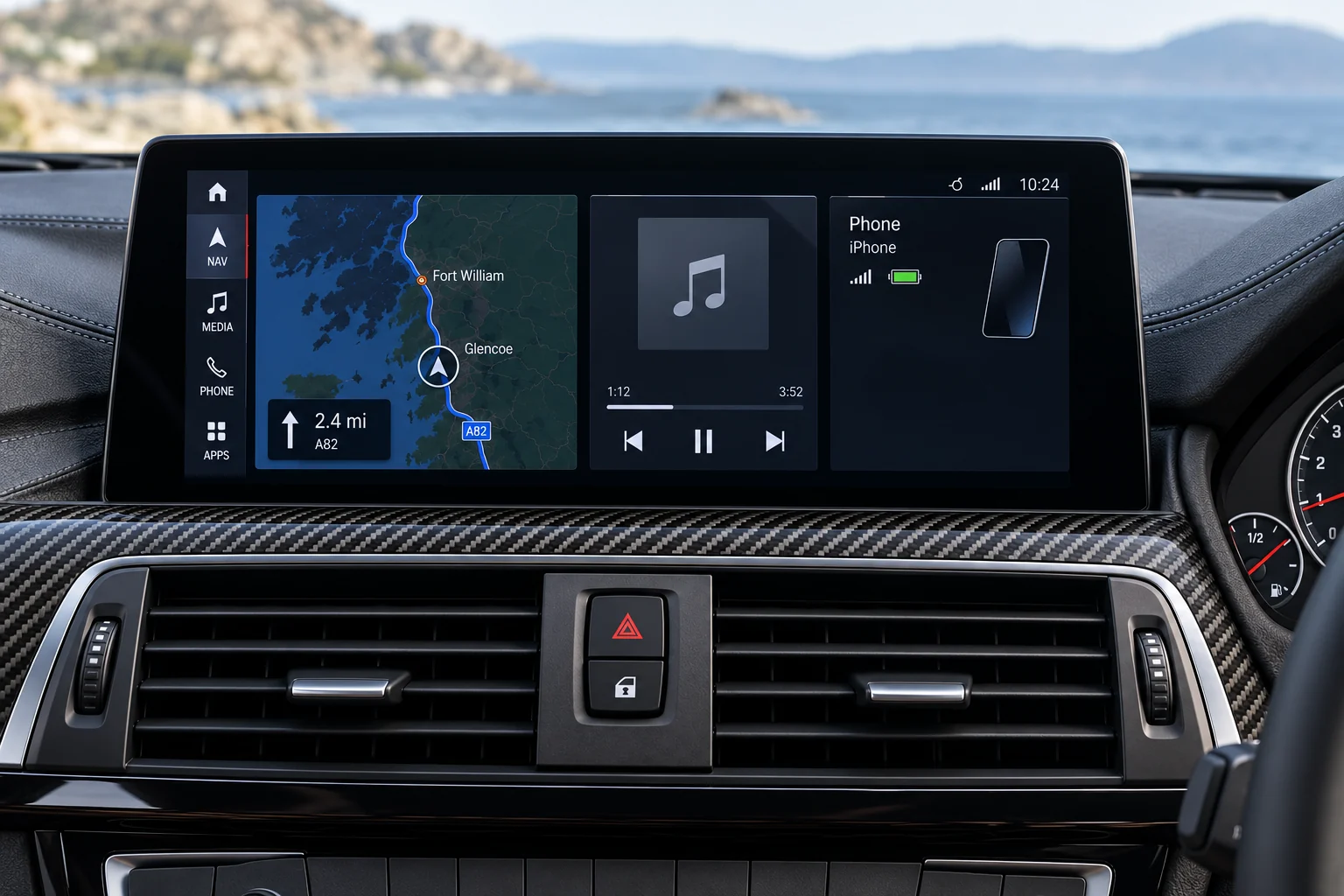
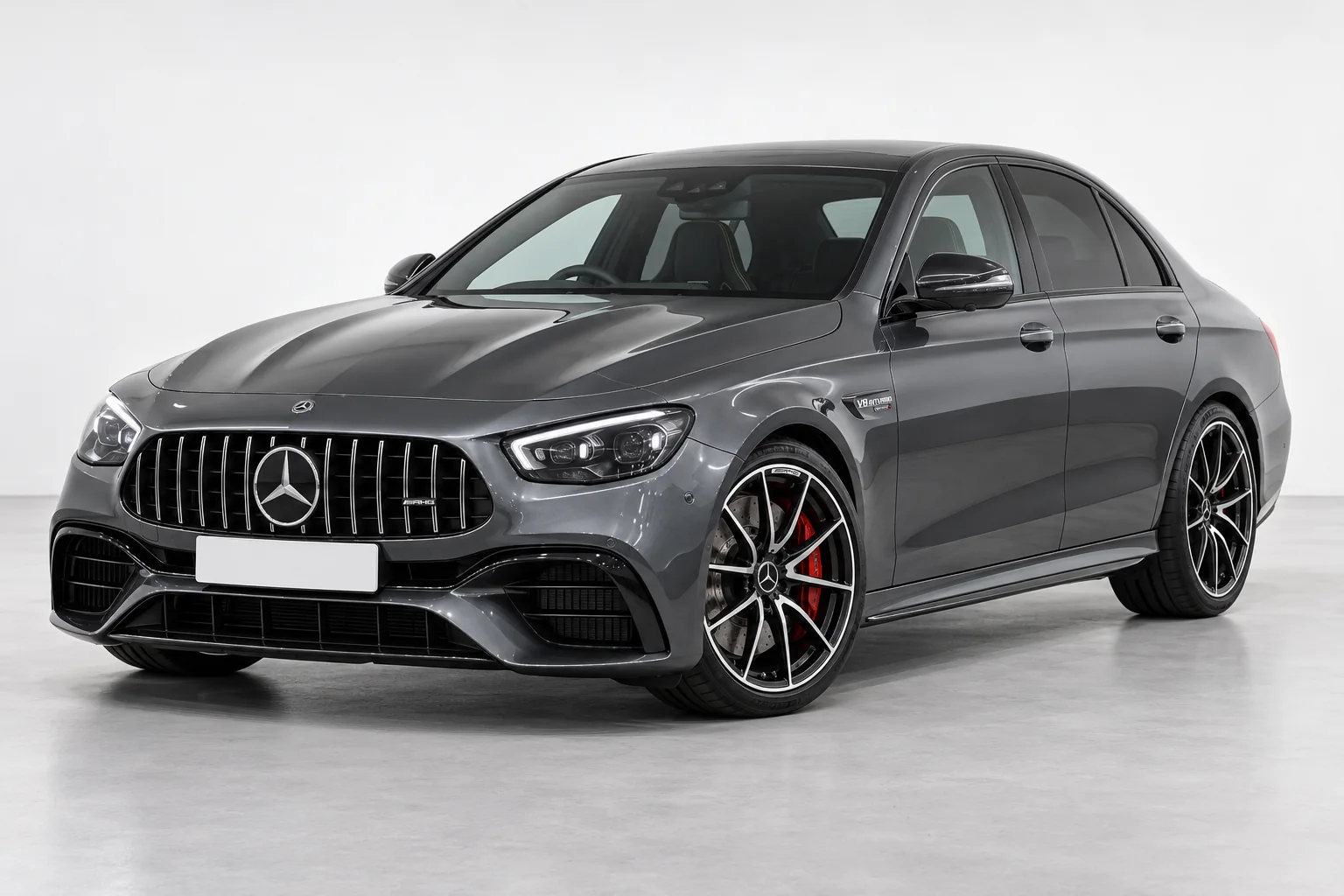
Centre-screen options for your original Mercedes system.
Your own photo or a model from the library. Your next upgrade, in view.
Explore supported exterior, wheel and cabin upgrades. For exterior parts, try a Road, Stance or Track look and a different setting.
Explore the range by make, or get to know your model in the vehicle library.
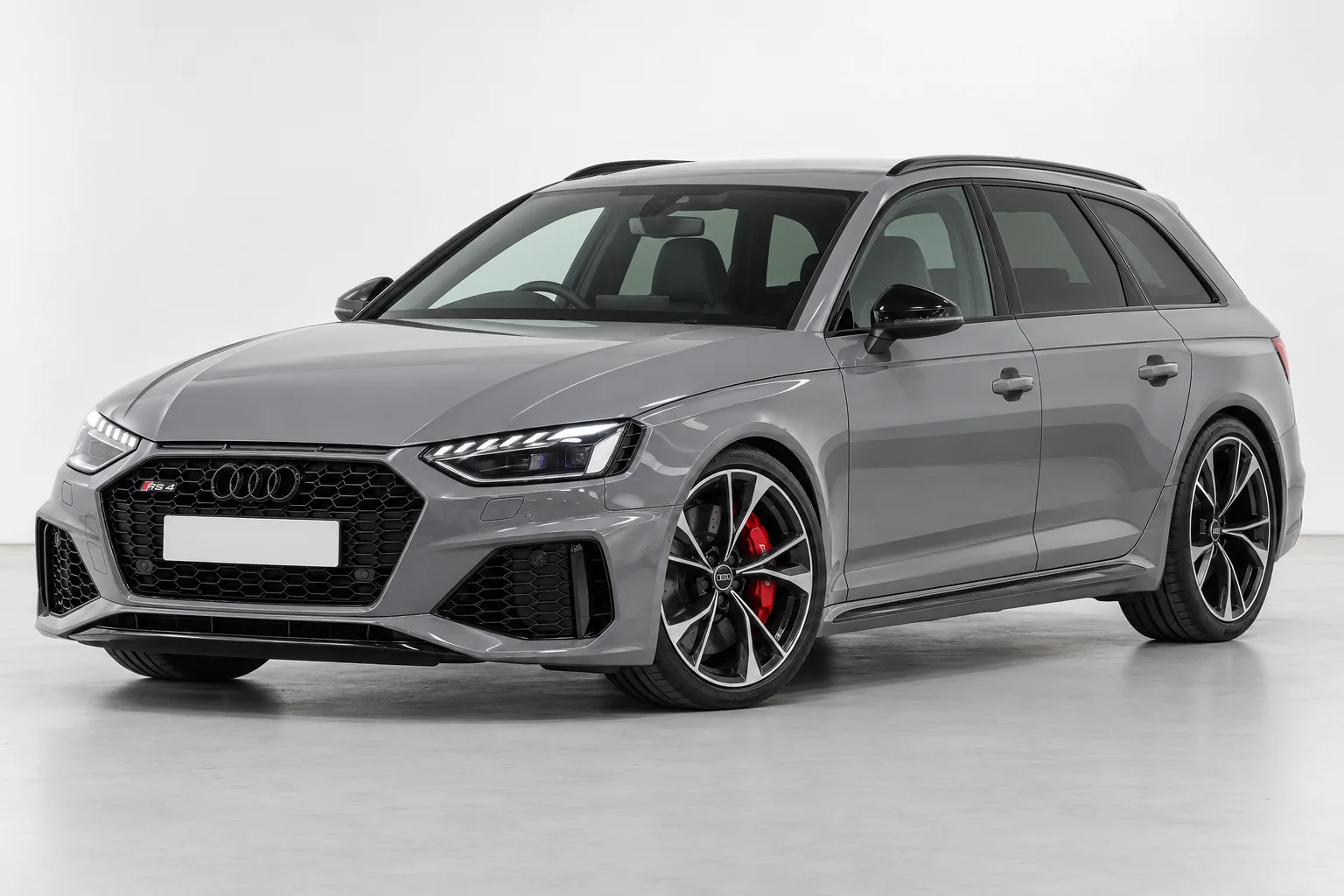
Same badge, different car. Body style, generation, original equipment and bumper specification can change the part you need.
Splitters, spoilers and exterior details. Compare the shape, then check the exact application for your car.
A low rear lip to follow the boot-lid edge and define the rear profile.
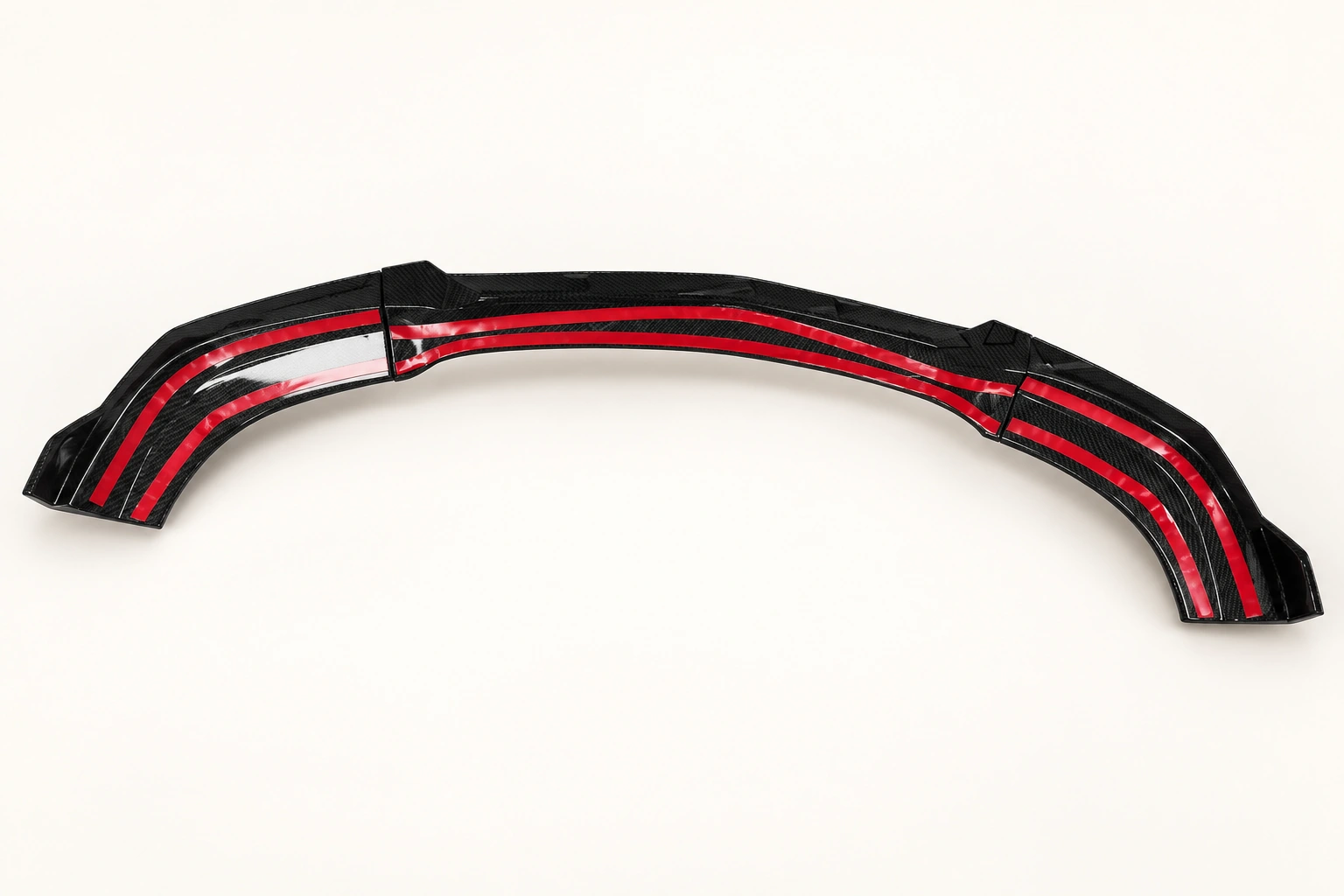
A shaped lower front lip to define the bumper line and outer corners.
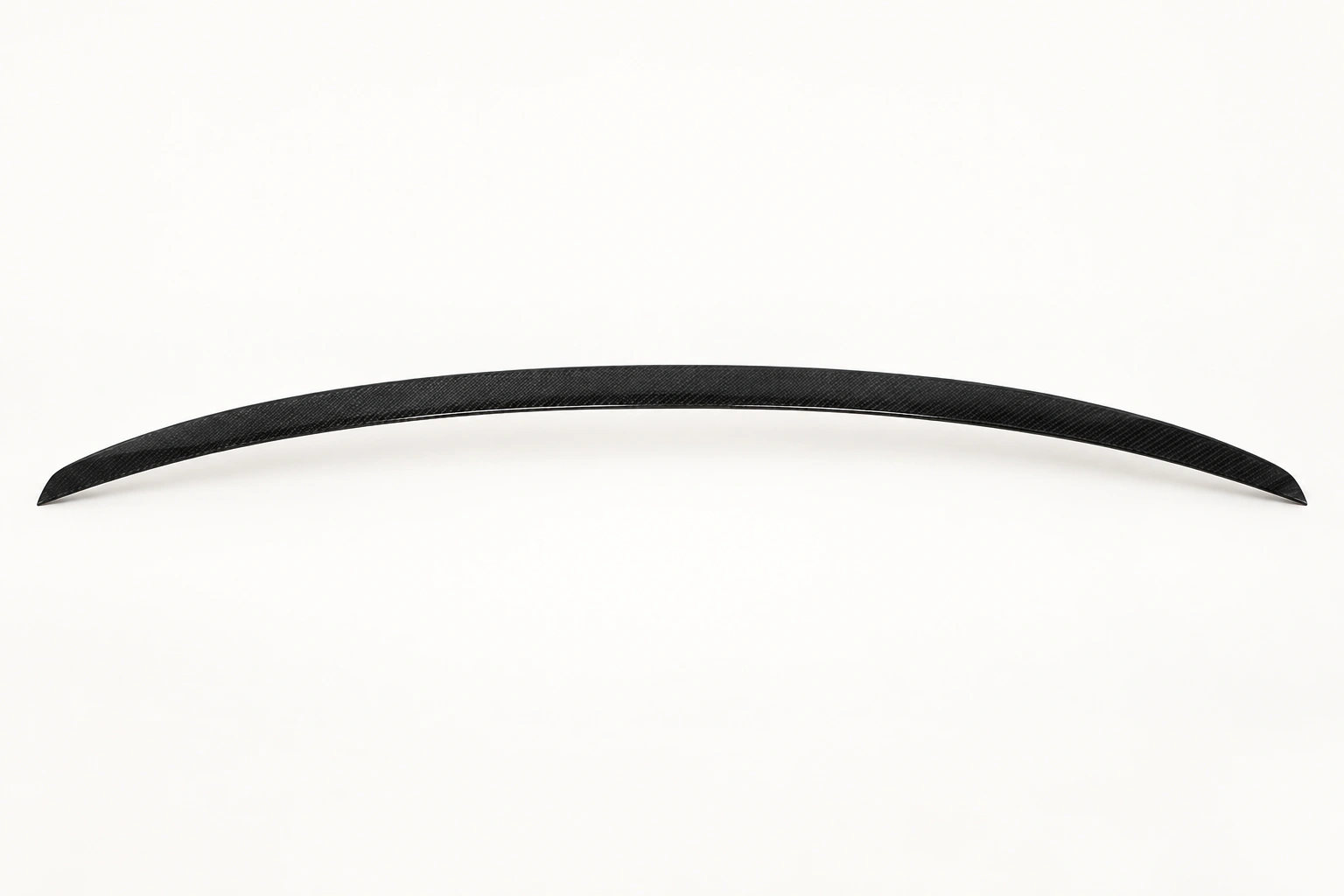
A low rear lip to follow the boot-lid edge and define the rear profile.
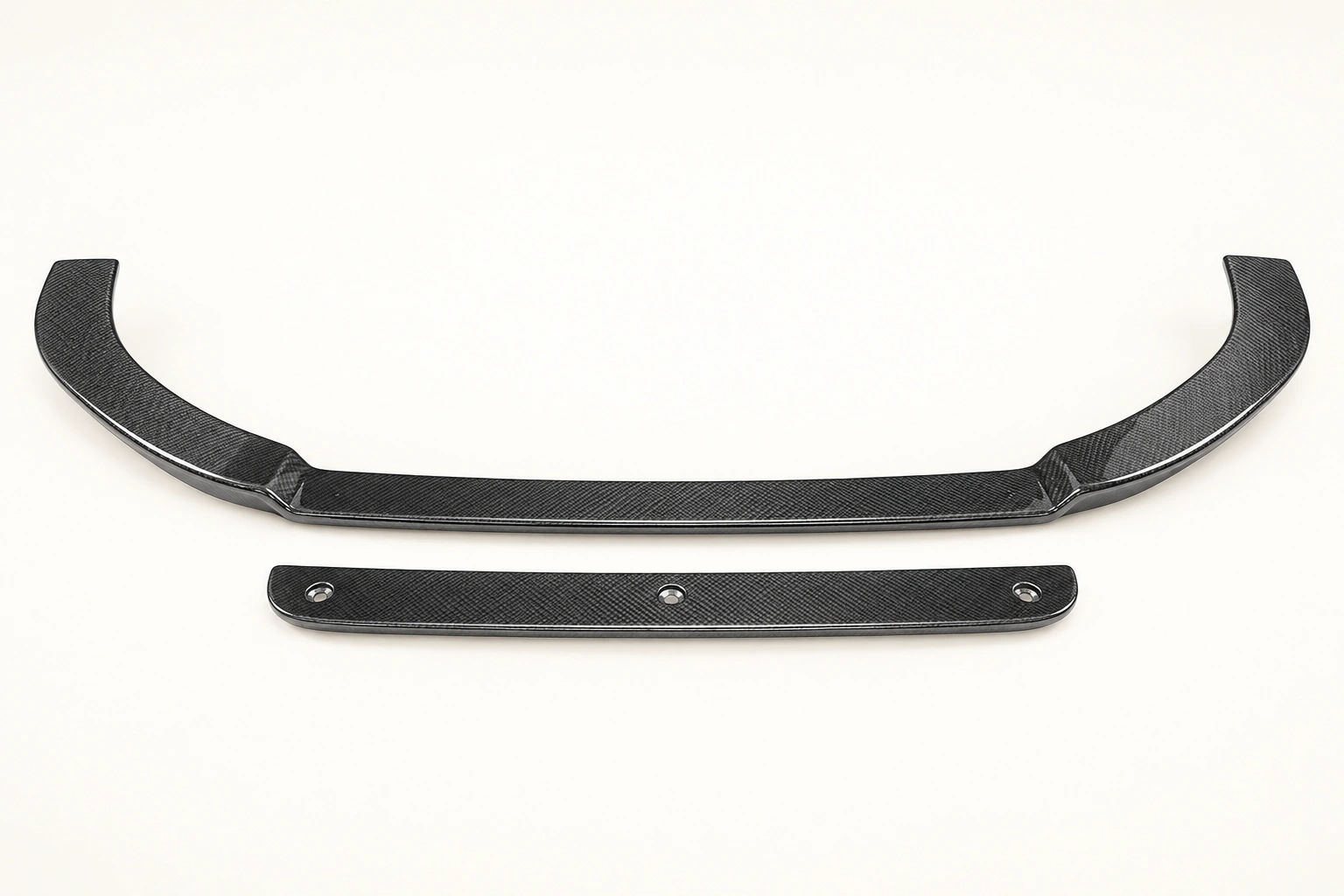
A shaped lower front lip to define the bumper line and outer corners.
A design with presence. A specification shaped around your car.
Discover the STRAKE collection, then explore the dimensions and finish with the wheel brand directly.
Explore STRAKE designs STRAKE wheelsDesign studies shown. Exact wheel specification and price agreed with STRAKE.Keep the factory display or change the screen? Start with what you want to improve.
The photos and system details that help narrow down the right cabin upgrade.
Generation, body, bumpers and mounting points. Know what to check before choosing an exterior part.
You do not need a different car to enjoy a different drive. Sometimes it is a better connection, a sharper profile or the detail you notice every time you walk back to it.
POISD. brings those choices together, with the car and the original setup at the centre of the decision.
More about POISD.Use “Your car” to add the make, model, generation and body style, or start with a make in the shop. Relevant ranges are a starting point; the exact part and original equipment still need checking.
Universal describes a broader application, not guaranteed fitment. Dimensions, mounting surfaces, clearance and the fitting method still need to suit your particular car.
The original system, screen, controls, audio setup and parking-camera equipment. Photos of the dashboard and system-information menu help identify the starting point.
Identify your original systemYes. Choose a supported model and view from the library, or upload your own photo. For exterior upgrades, you can also explore stance and background options. The result helps you judge the appearance; it cannot confirm physical fitment or reproduce every detail perfectly.
Explore the photo previewReview your chosen parts and car details together. You can save your delivery details or send a fitment request. Online payment is not open yet; a saved basket or request is not an order.
View my basketReview the delivery and returns information, then confirm the arrangement for your exact part and order before committing.
Delivery & returns informationTell us about your car, the part you like or what you want to change.