Saved 0Your basket —
Buying advice ↗
Centre-screen range

Mercedes‑Benz Screen Upgrades

Centre-screen options for your original Mercedes system.

From £295Guide price. Starting price for one unit; exact system, screen size and included hardware confirmed for your car.
Your vehicle
1. Confirm your car2. Add the original setup3. Check hardware & price
Preview on your car

Explore this upgrade on your car. Exact dimensions and physical fitment require confirmation.

Your basket is a fitment and pricing request. Nothing is ordered until the exact specification and price are agreed.

Original equipment checkedRetailer support before an order

Choose the display around the system.

The display, head unit, audio routing and vehicle menus need to work together. Start with what is fitted to your car now.

Where it goes
The centre of the dashboard.
The starting point
Original head unit, audio connection, controls and cameras.
Before you order
Exact product specification, supplied accessories, installation and total price.
THINK ABOUT THE EVERYDAY DIFFERENCE

What would you like
the upgrade to do?

Compare the routes, then tell us your priorities. The exact hardware comes after the original-equipment check.

01

Put your phone at the centre

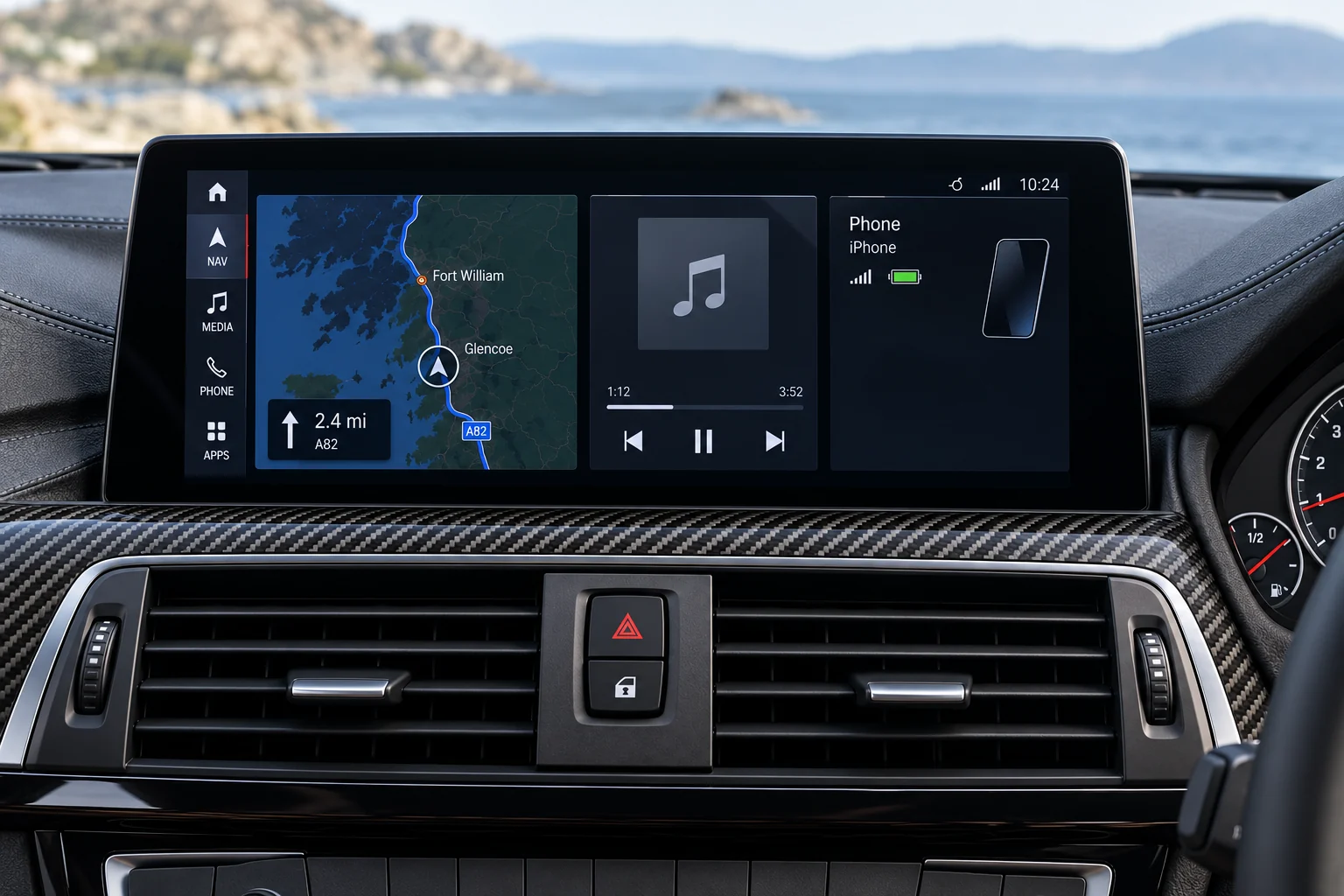
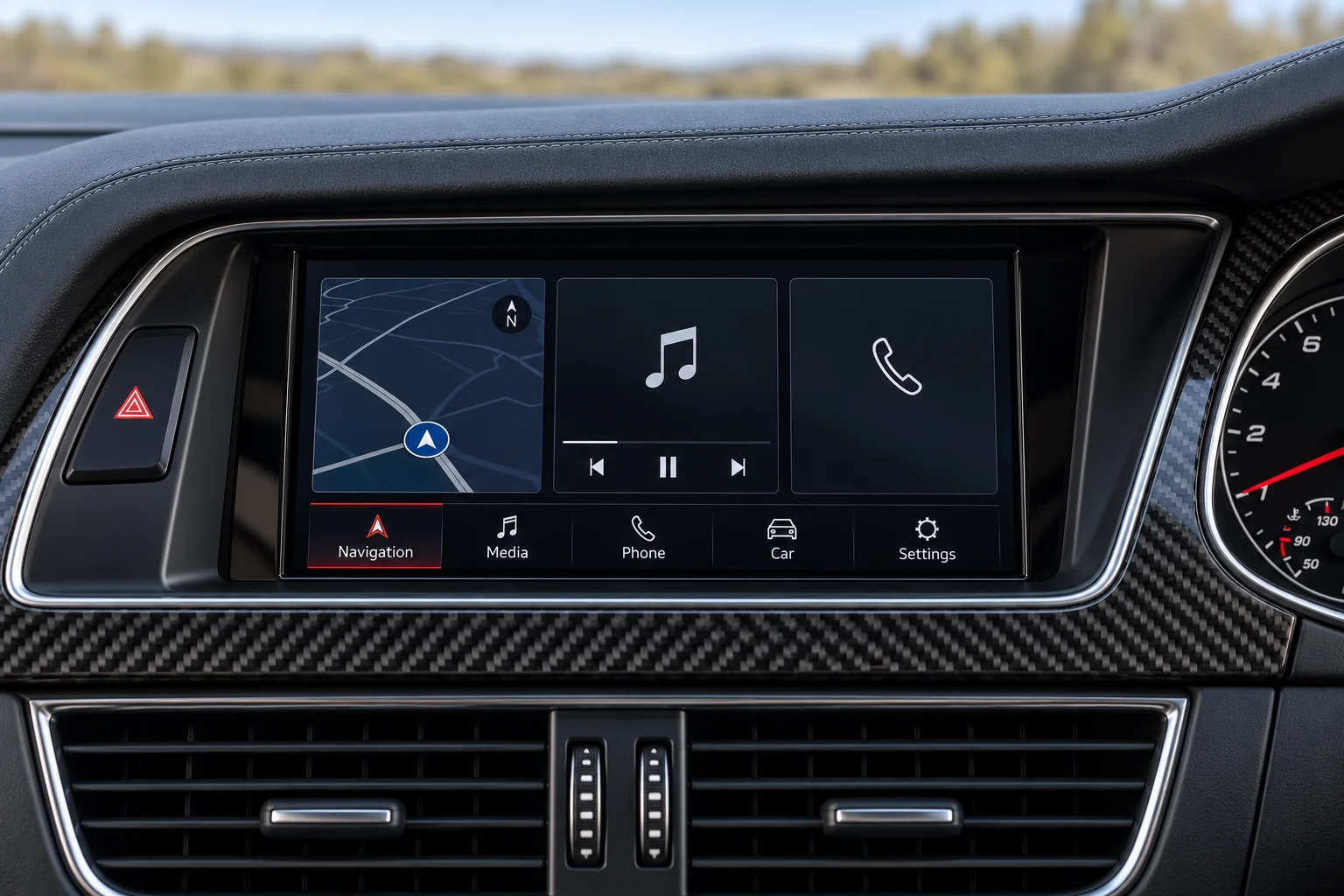
Replace the centre display with hardware chosen around phone navigation, music and calls. This is a useful starting point if your main goal is CarPlay or Android Auto rather than separate apps installed in the car.

Details to discuss
  • Desired display size and dashboard shape
  • CarPlay or Android Auto requirements
  • Factory audio and camera equipment
  • How original vehicle menus will be reached
02

Explore an Android-based display

An Android-based centre display is a different product category from Android Auto phone projection. If you want apps on the unit itself, name them so we can check the software, connectivity and support.

Details to discuss
  • The particular apps or functions you need
  • Internet connection and subscription requirements
  • Confirmed memory, storage and software support
  • Original-control and camera integration
03

Plan both displays together

Add the centre screen and driver display to the same build to plan their appearance and operation together. Shared content or synchronised functions need explicit confirmation for the exact pair of units.

Details to discuss
  • One clear list of the functions you want
  • Separate compatibility checks for both displays
  • Whether any shared content is explicitly supported
  • Installation sequence and complete quoted scope
THE CARS BEHIND THE RANGE

One upgrade range.
More detail for your car.

Choose your setup above, or explore the original equipment for a model family. A guide is a starting point for review.

Explore the vehicle library ↗
BEFORE YOU CHOOSE

Choose the display around the whole system.

Start with the result you want, then agree what changes behind the display and what remains original.

Compare the screen-upgrade routes
The physical change

Confirm the exact display dimensions, mounting and surrounding trim. Illustrations do not establish the installation in your car.

What stays connected

Ask which original components stay, how sound is routed and how cameras, parking alerts and vehicle menus are accessed.

The complete specification

List the unit, adapters, wiring, microphone and fitting work. Check the whole job before comparing prices.

Mercedes-Benz setup note. Record the original system and its version if known. “NTG” describes a family, not a complete product match. Keep a photo of the original main menu and controls ready rather than choosing from the screen shape alone.

Help identify my original system ↗

Need help identifying the system?

Keep a clear photo of the original display and its system-information page ready.

Talk through your setup ↗
KEEP EXPLORING

Other upgrade ranges.

View all →
01 / YOUR CAR

Find your car.

One registration. A clearer starting point for your next upgrade.

Saved for this visit. How we use your registration.

UP NEXT

Choose what you’d like to upgrade. We’ll check the original equipment before confirming exact hardware.

POISD.Find parts for my car
Make it your upgrade

Choose your setup.

upgrade hardwareExact hardware varies by vehicle.
Your vehicleAdd your car

Tell us what’s fitted now. We’ll check the exact unit, fitment and price for your car.

See vehicle / generation examples (optional)

Choose only a generation you recognise. Your registration result stays unchanged.

Fitment & price confirmed before an order.

Your upgrade selection

Your basket.

Keep your chosen upgrades and original setup together.

A good build starts here.

Choose an upgrade, add your setup and save it to your basket.

Shop the range →
Side by side

Find your route.

Compare the purpose and original-equipment checks for each upgrade.

Check the details

Tell us about your setup.

We’ll help identify the right hardware and confirm the specification before an order.

Know your original setup? Add the details (optional)

We use these details to review your enquiry. Please don’t include payment details. How we use your information.