
An interface.
A screen.
A different starting point.
Want phone integration, a different display, or both? Start with the result you want. Then check what needs to change in your particular car.
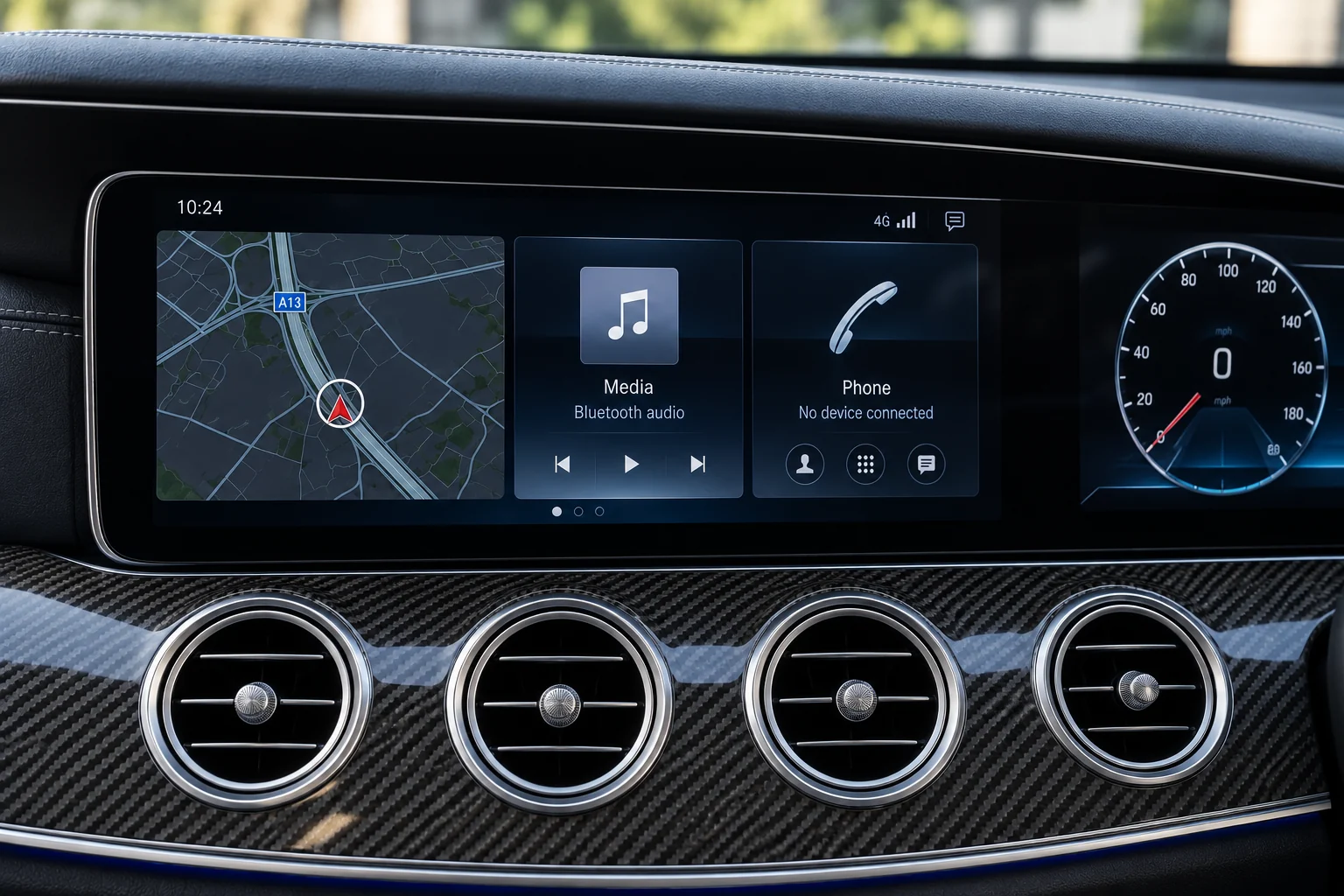
What would improve
your daily drive?
Open the closest answer. This points you towards a range to explore; the original system still decides the exact hardware.
01 I like the original display. I want phone apps.
Start with an original-screen CarPlay interface. Ask how the exact unit connects to the factory display, routes audio and switches between the original menus and the phone interface.
Explore CarPlay interfaces →02 I want a different centre display.
Start with the screen range. Confirm the mounting, viewing position, controls and which original components remain. A new screen does not necessarily mean the whole head unit is replaced.
Explore screen upgrades →03 I want to change the view behind the wheel.
That is an instrument-cluster enquiry. Keep it separate from the centre screen and list the warning, status and driving information that the proposed instruments need to provide.
Plan a digital dash →Ask what changes.
And what stays.
Swipe to compare both routes
| Decision | Original-screen interface | Centre-screen upgrade |
|---|---|---|
| Display | Intended to use the existing display. Confirm the exact screen and connection. | A different display is the starting point. Confirm dimensions, trim and mounting. |
| Original system | Ask how the interface works alongside the factory system. | Ask which factory components stay and whether another unit is added or replaced. |
| How you control it | Confirm the original controller, steering buttons and any added controls. | Confirm touch operation, original controls and access to the factory menus. |
| Audio and parking | For either route, check the exact audio path, microphone, factory camera and parking-sensor display. An attractive screen photo does not confirm these. | |
| Installation scope | Request the interface, harness and accessory list for the exact kit. | Request the display, mounting, wiring and accessory list for the exact kit. |
Keep your must-haves
in the brief.
Integration products differ in the functions they retain and the extra parts they require. Turn the things you use now into questions before agreeing the specification.
SoundHow will music, calls and navigation prompts reach the original audio system? What happens to a factory amplifier?
ParkingHow are the original camera, sensor graphics and audible alerts handled?
ControlsWhich steering buttons and rotary or touch controls operate each mode?
Factory menusHow will you return to original settings and vehicle information?
CarPlay has its own
compatibility check.
CarPlay brings supported iPhone apps for directions, calls, messages and audio to a compatible system. Wired and wireless connection, and the controls available, depend on the system.
Tell us your phone model and the connection you want. Ask whether the proposed unit provides it, how calls use the microphone and how charging works alongside it.
Apple’s CarPlay setup guide ↗Compare the complete job.
Use the same questions for each option so a screen-only price is not mistaken for the whole installation.
Choose the route. Add the setup.
Explore the range, then add the original equipment and the questions that matter to your basket.