
A new layout.
The essential information.
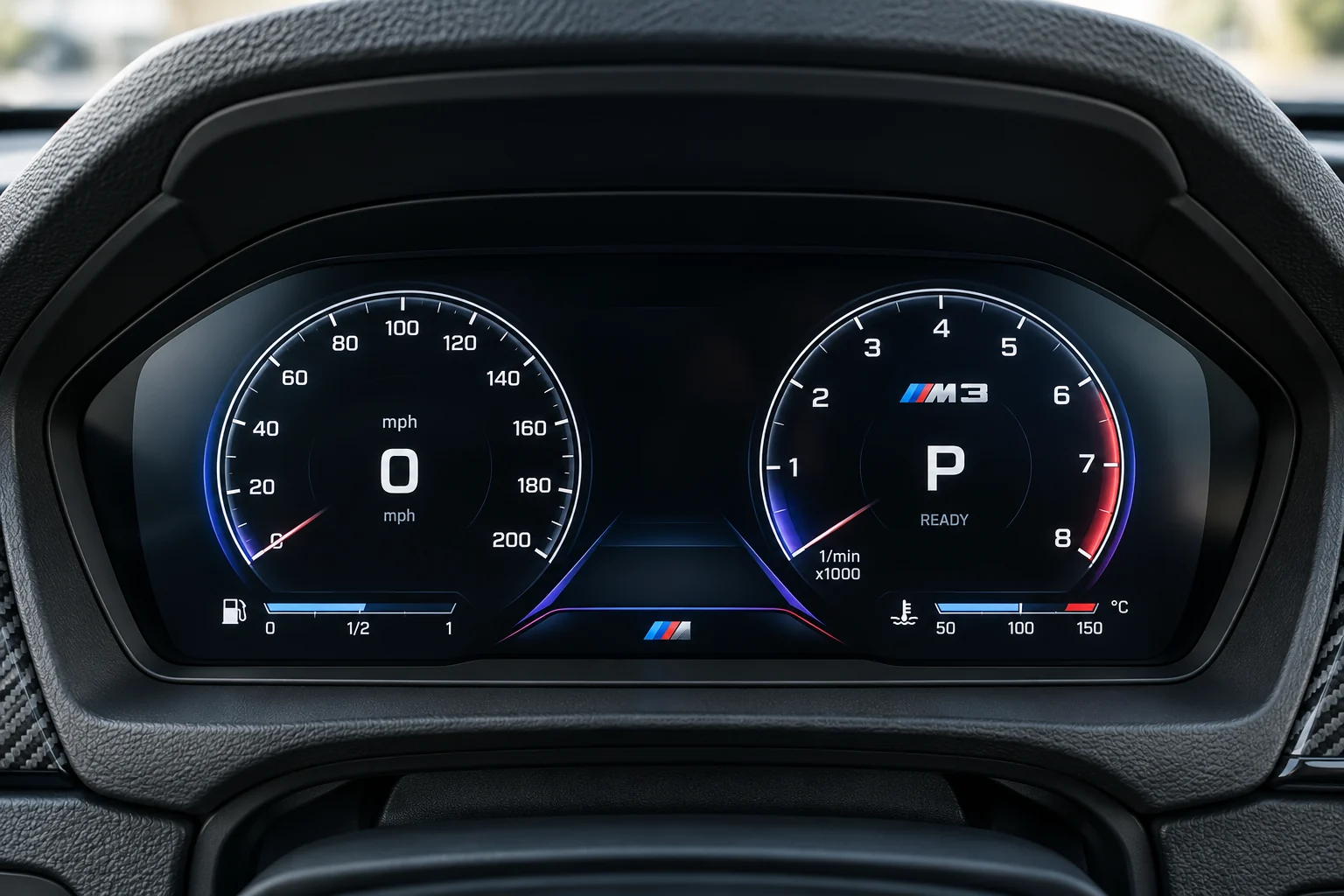
A digital dash is more than a new graphic. Plan the information, controls and installation checks before choosing the look.
Make an inventory
of the original view.
With the car safely parked, use the correct owner’s handbook to understand the original displays and warning messages. Record the functions you need the proposed cluster to support.
Find the original handbook ↗- Driving information
- Speed and units, revs or power information, fuel or charge level, gear indication and trip information as fitted.
- Warnings and vehicle status
- List the original warning indicators and messages. Ask how the exact replacement handles them and whether there are limitations.
- Controls and connected features
- Note the buttons used to change views, service information and any navigation or assistance information you currently see.
Review the proposed unit
against your car.
Similar-looking layouts do not establish the same feature set. Ask for answers about the exact product and original cluster.
Original cluster
Is the proposed unit intended for the analogue or digital instruments fitted now? What vehicle and equipment details establish the match?
Information and warnings
Which original indicators, warning messages and vehicle-status functions are supported? Are any functions displayed elsewhere or unavailable?
Appearance and controls
Which layouts are supplied, how are they selected and which original controls work? Confirm units, brightness and day/night behaviour.
Navigation expectations
If you want maps or phone directions behind the wheel, ask explicitly. A centre-screen CarPlay upgrade does not establish instrument-display integration.
Records and configuration
Ask the installer how the original and replacement mileage readings will be documented, what setup or coding is required and which records you will receive.
Plan the centre screen
and cluster separately.
A centre screen and a digital dash occupy different parts of the car. One product’s advertised functions do not establish what appears on the other display.
Add each range to your basket with its own original-equipment details. Explain how you want them to work together so the combination can be checked before pricing is agreed.
Keep the plan in one build ↗Agree the work
before it starts.
Keep product supply, fitting and configuration responsibilities clear. Confirm the product-specific instructions before any original instruments are removed.
- What is supplied?
Identify the exact unit, harness, trim and any required accessories.
- Who configures and checks it?
Agree the installation and coding scope, the function check and the person handling an issue.
- What will be documented?
Ask for the agreed specification, installation record and original-equipment details to be kept together.
Review it while parked.
Use the agreed specification and the installer’s product-specific checks. Do not drive with an unexplained warning or a display fault; have it resolved first.
Build the brief around the car.
Choose a digital dash range, record the original instruments and keep your priorities with the request.