
Start with the system.
Then choose the upgrade.
Your model badge is the beginning. A useful fitment check also needs the display, controls and equipment already inside the car.
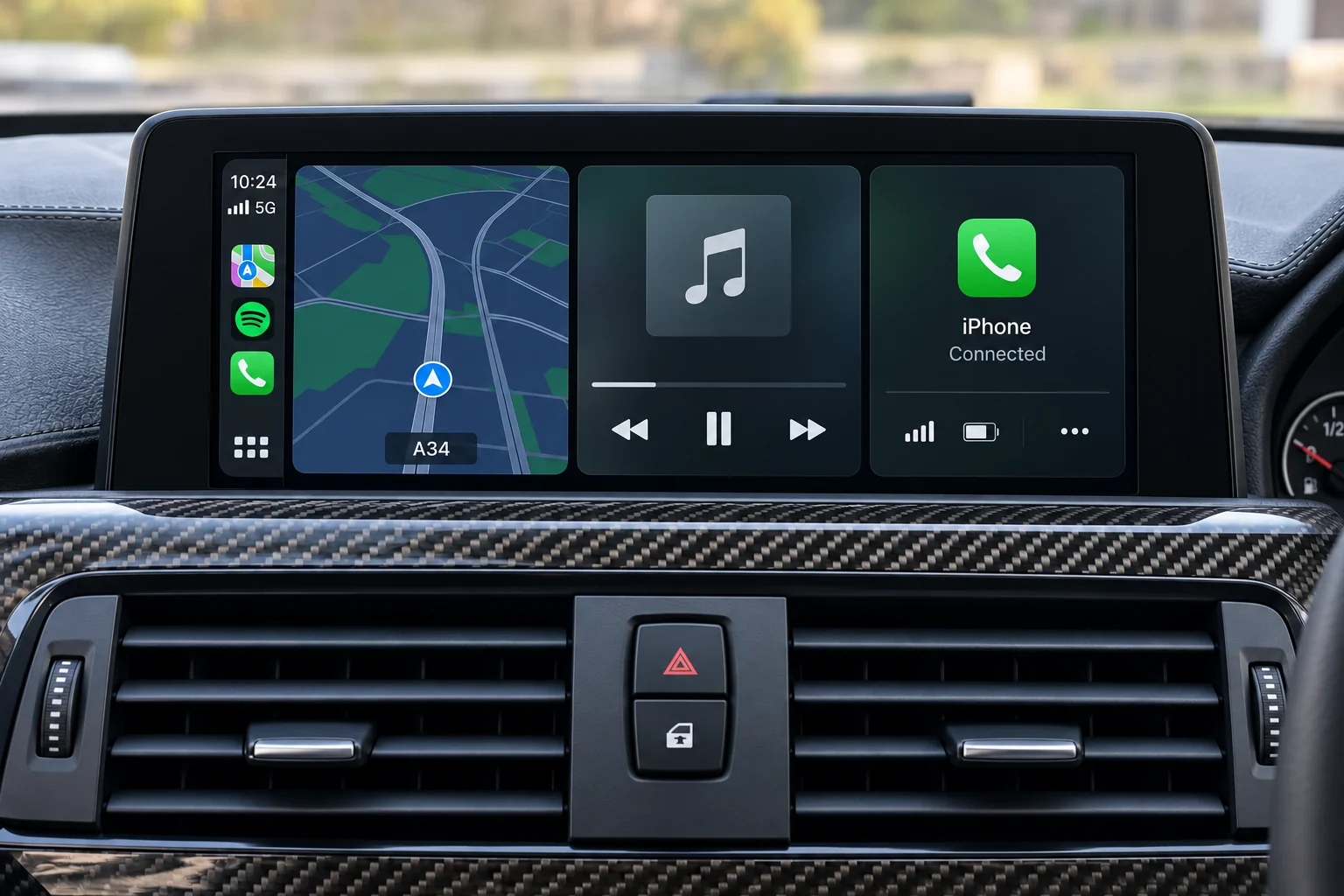
The screen is only
part of the picture.
Use these three descriptions when asking about an upgrade. They keep a centre-screen change separate from a change to the instruments.
- Centre display
- The screen used for media, navigation and, on some cars, vehicle settings. Its appearance alone does not establish what is connected behind it.
- Head unit / factory system
- The original infotainment equipment and its software family. A replacement display may still use this equipment; ask exactly which parts stay.
- Instrument cluster
- The display behind the steering wheel. Record whether it has analogue dials, a digital display, or a mixture of both.
Four views worth keeping.
Park safely before using menus or taking photos. Keep the pictures on your phone for the product discussion; this checklist does not upload them.
- 01
The whole dashboard
Include the centre display, its surrounding trim and the controls below it. Avoid cropping so tightly that the installation position is lost.
- 02
The main menu and system information
Photograph the home screen and, if you can find it in the handbook, the software or system-information page. Copy the wording exactly instead of guessing a system family.
- 03
The controls and connections you use
Note the rotary controller or touchpad, steering-wheel controls and the USB or auxiliary connections. Mention any existing aftermarket equipment.
- 04
The instruments and parking display
For a dash enquiry, include the original cluster. For screen enquiries, note the factory camera, parking display and any separate audio amplifier you know about.
Your handbook is
a useful reference.
BMW offers vehicle-specific guides using the VIN. Audi and Mercedes-Benz also provide official owner-manual resources. Use the handbook for your car when looking for menus and original functions.
You can use the manufacturer’s own tools privately. Do not paste your full VIN into a general message just to start browsing.
Known details.
Honest unknowns.
Choose the factory-system name only when you know it. “Not sure yet” is more useful than a confident guess.
How to put the request together ↗A useful setup note
“Original centre display and rotary controller. Factory camera fitted. I can provide the main menu and system-information photos. I want phone maps and music.”
Then add the model or generation you know, the selected factory system and the change you want. Mention if the system has already been modified.
Still not sure?
I know the registration. Is that enough?
It starts the vehicle search. It does not show every infotainment option, previous retrofit or connector. Confirm the vehicle details, then record the original equipment separately.
I cannot find a system-information page.
Keep the main-menu photo and a wider dashboard view. Select “Not sure yet” in the setup and explain what you can see. There is no need to remove trim to start a fitment enquiry.
The car already has an aftermarket screen.
Say so at the start. If you have the invoice, product label or original fitting information, keep it ready. A factory-system name on its own may not describe the current installation.
Ready to look at the options?
Find your car, choose an upgrade type and keep the original-equipment details with it.