
A new view.
From the
driver’s seat.
A digital instrument upgrade changes the display behind the steering wheel. It is a different decision from a centre screen — and the vehicle details deserve extra attention.
Check options for my car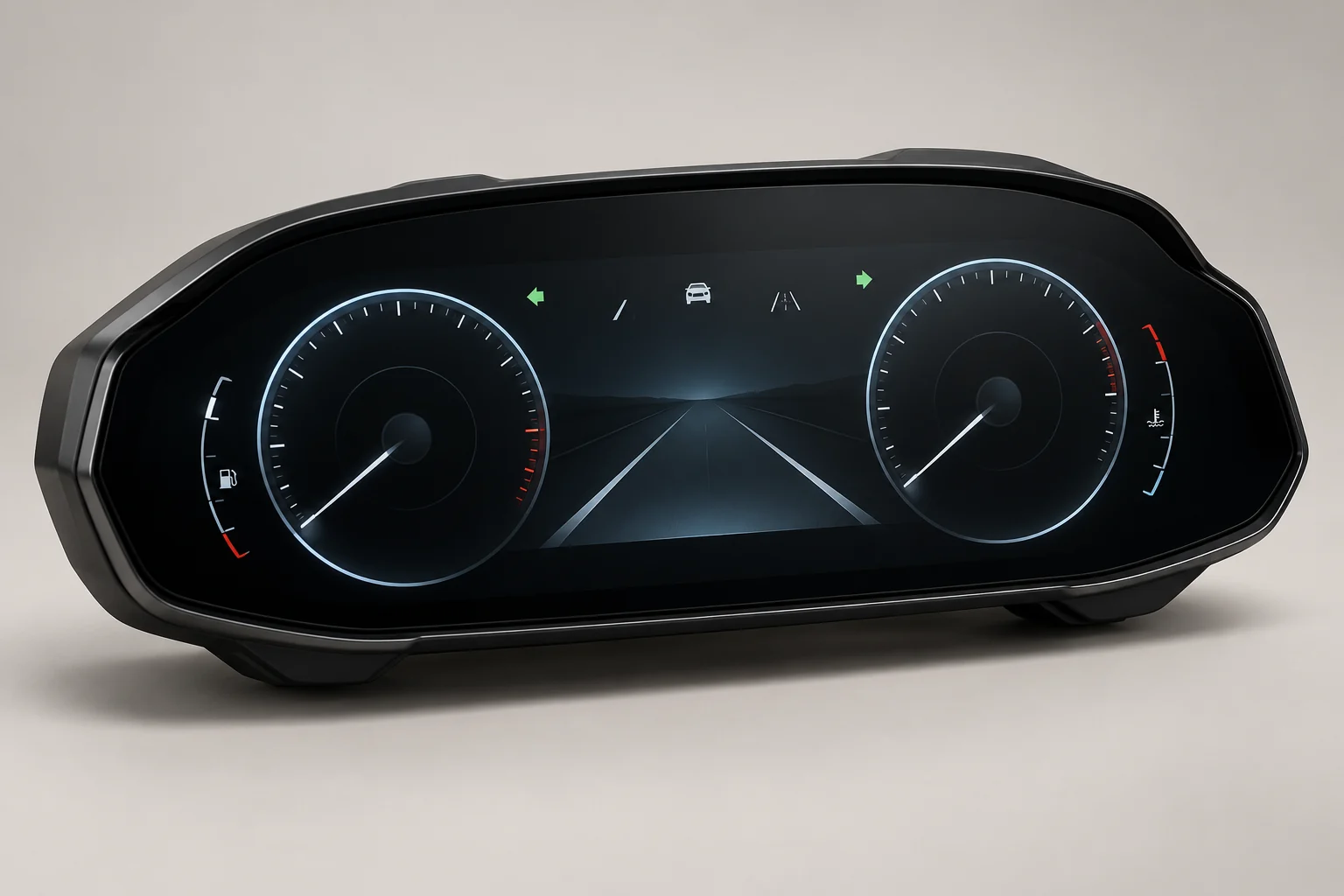
Behind the steering wheel.
The whole system matters.
Your instruments, reconsidered
Look at the information a unit displays, the available layouts and how clearly it presents the essentials.
Part of the vehicle
A cluster communicates with the car. Factory warning functions, configuration and compatibility need an exact product-level check.
Details before design
The original cluster type, vehicle generation, build year and installation process matter before the appearance of a screen.
The hardware is
only the beginning.
These are buying considerations. The specification of each individual unit is what counts.
Display and layout choices
Compare readability, information placement and supported layouts. Ask for the actual product specification and images.
Vehicle integration
Confirm how the cluster communicates with your car, which original functions remain available and what setup is required.
The details
we start with.
Instrument displays carry essential information. Compatibility should include warning functions and configuration, not simply whether the unit plugs in.
- 01Exact vehicle generation, build year and specification
- 02Original cluster part number where available
- 03Warning lamps, service data and safety information
- 04Mileage handling, coding and installation requirements
Know what’s involved.
Before the trim comes off.
Ask what is supplied, what needs to be reused, and whether adapters, wiring or configuration are required.
If an installer is doing the work, share the exact product specification with them first. Keep a record of the original system and complete the function checks after fitting.
Ask a fitment questionQuestions for
this upgrade.
Is this the same as a CarPlay screen?
No. A digital instrument cluster sits behind the steering wheel. CarPlay and infotainment generally concern the centre display.
Will my mileage be retained?
Ask how the exact unit handles mileage, what is transferred and what records are required. Never assume mileage behaviour from an image or a generic compatibility list.
Can I fit any cluster for my model?
No. Generation, build date, original cluster and vehicle configuration can all affect suitability. Confirmation needs the specific vehicle and product.
Will installation need coding?
It may do. Establish the product’s installation and configuration requirements before ordering, including the checks an installer must complete.