
Start with the right view.
Choose a model and prepare the suggested angle, or upload a photo of your own car. Wheels and aero need an exterior view; cabin upgrades need the matching interior view.
Choose an upgrade, start with a model photo or your own car, and explore the details before you decide.
Explore on a representative car, or see the detail on a photo of yours.
Connecting to the model library…
A new model view can take a few minutes the first time it is prepared. Confirm exact trim, equipment and product fitment before ordering.
JPG, PNG or WebP, up to 12 MB. The photo stays in this tab until you create a preview.
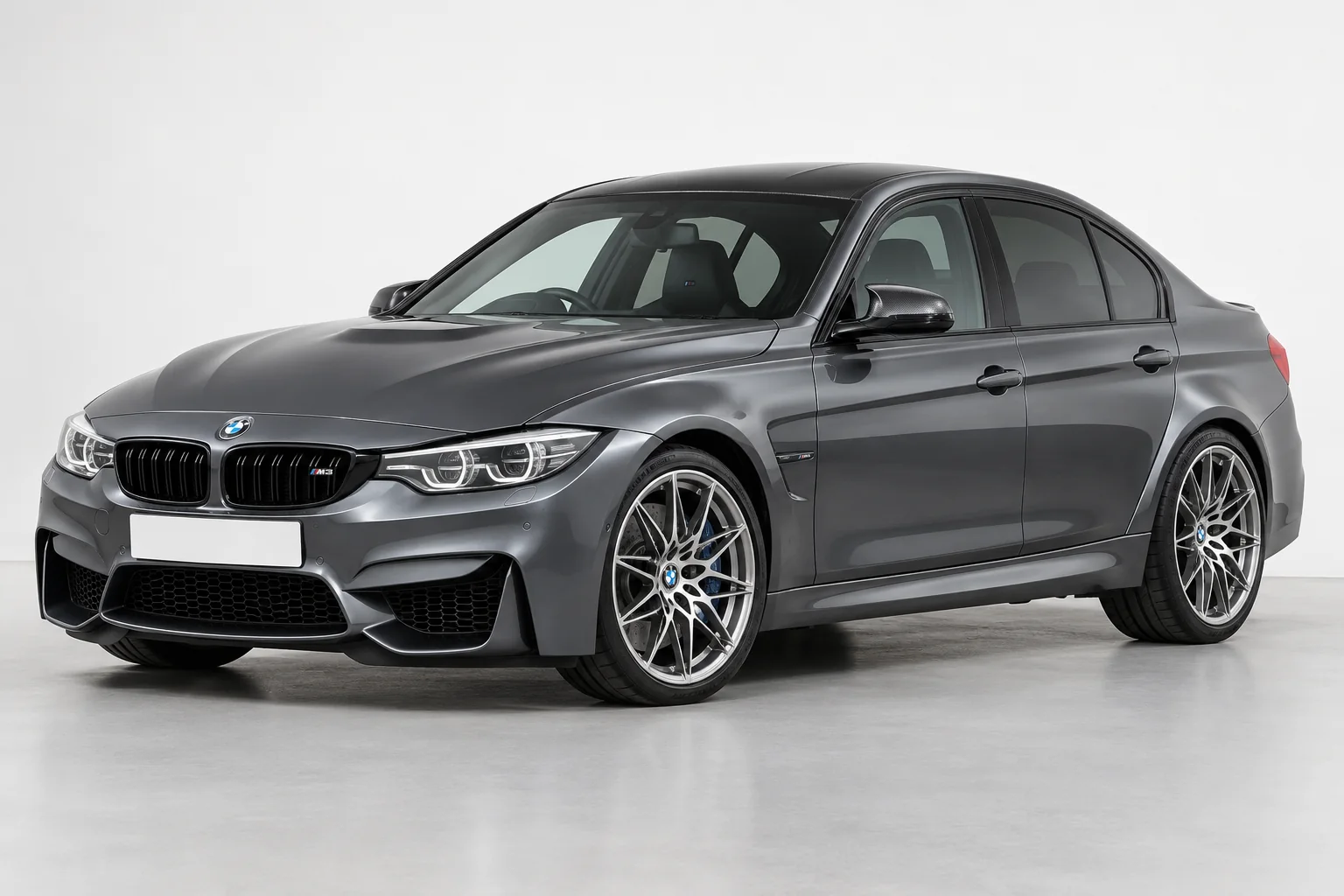
A clear view of the part you want to change works best.
JPG, PNG or WebP / up to 12 MBThis can take a few minutes. Keep this page open.
Kept together in this tab. A new photo starts a fresh set. Leaving this page clears the gallery from your browser.
The selected catalogue reference guides the edit. Your car, paint and unrelated details should stay the same. Every version starts with your original photo.
Choose a model and prepare the suggested angle, or upload a photo of your own car. Wheels and aero need an exterior view; cabin upgrades need the matching interior view.
For your own photo, use a sharp, well-lit image. We will work with the angle you have; another view may make a hidden detail clearer.
Use the result to explore the look. Confirm the exact hardware, fitment and finish before making a purchase.