Saved 0Your basket —
Buying advice ↗
POISD. / Visualiser

Your car.
Your next detail.

Choose an upgrade, start with a model photo or your own car, and explore the details before you decide.

YOUR STARTING POINT

A model photo. Or your own car.

Explore on a representative car, or see the detail on a photo of yours.

Connecting to the model library…

A new model view can take a few minutes the first time it is prepared. Confirm exact trim, equipment and product fitment before ordering.

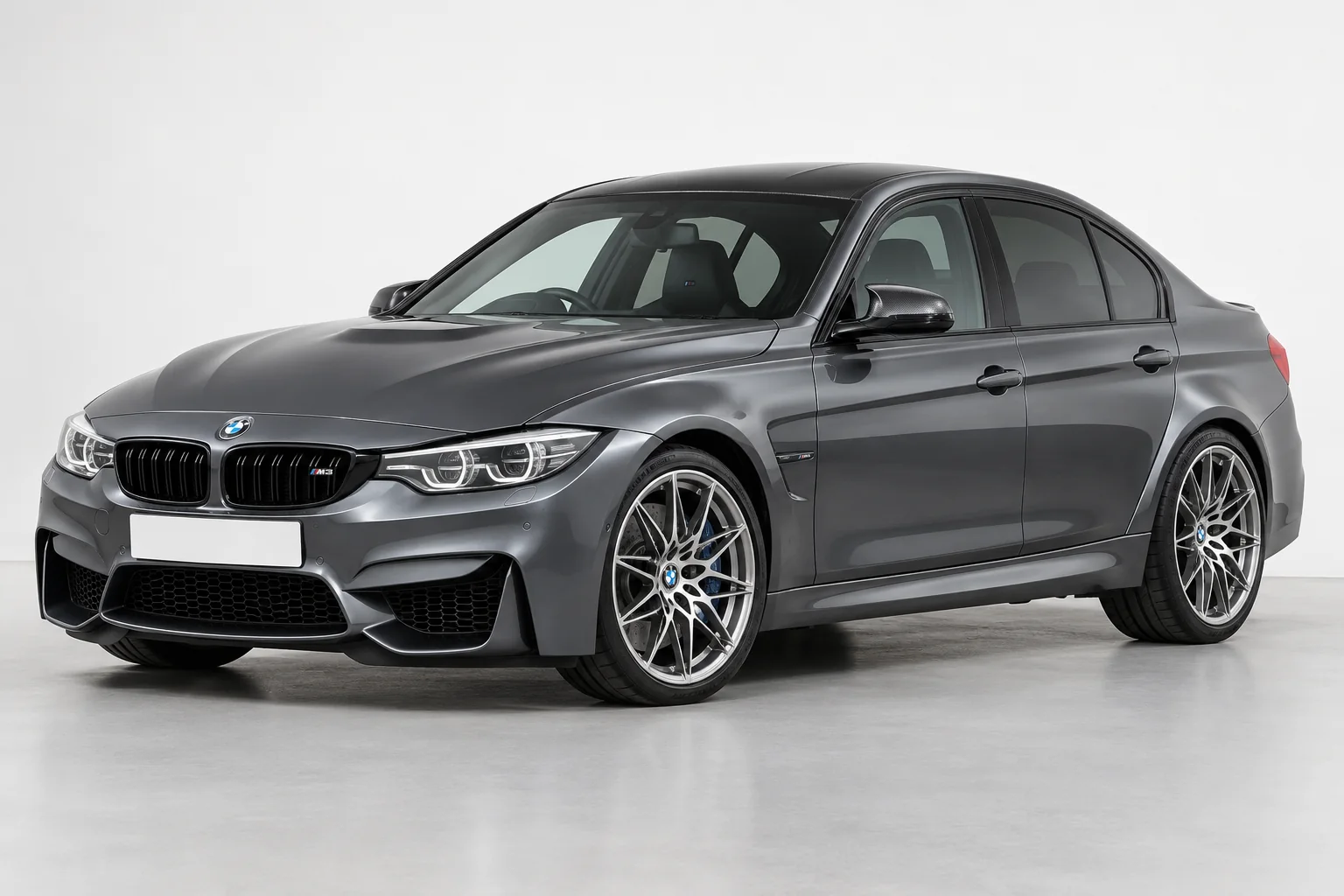
BMW M3 F80 vehicle example

Start with your car.

A clear view of the part you want to change works best.

JPG, PNG or WebP / up to 12 MB
The part changes.
The car stays yours.

The selected catalogue reference guides the edit. Your car, paint and unrelated details should stay the same. Every version starts with your original photo.

01 / Your upgrade

Exact specification, finish, fitment and availability require confirmation.

View this upgrade
The photo to use

Show the selected part clearly. A hidden part cannot be meaningfully previewed.

The suggested view is chosen for this part. You can try another available angle.

Creating a preview sends your photo for image processing. Choose photos without people or sensitive information. How your photo is handled.

Connecting to the preview studio…

A visual guide to appearance. We confirm the exact specification, dimensions and fitment before an order.

For the best result

Give the part
room to show.

01

Start with the right view.

Choose a model and prepare the suggested angle, or upload a photo of your own car. Wheels and aero need an exterior view; cabin upgrades need the matching interior view.

02

Give the detail room.

For your own photo, use a sharp, well-lit image. We will work with the angle you have; another view may make a hidden detail clearer.

03

Check the real details.

Use the result to explore the look. Confirm the exact hardware, fitment and finish before making a purchase.

POISD. / Product references

Choose your upgrade.

Choose the part you want to explore. Every product preview starts with your selected model photo or your own original photo. Some upgrades have no visible change to preview.

01 / YOUR CAR

Find your car.

One registration. A clearer starting point for your next upgrade.

Saved for this visit. How we use your registration.

UP NEXT

Choose what you’d like to upgrade. We’ll check the original equipment before confirming exact hardware.

POISD.Find parts for my car
Make it your upgrade

Choose your setup.

upgrade hardwareExact hardware varies by vehicle.
Your vehicleAdd your car

Tell us what’s fitted now. We’ll check the exact unit, fitment and price for your car.

See vehicle / generation examples (optional)

Choose only a generation you recognise. Your registration result stays unchanged.

Fitment & price confirmed before an order.

Your upgrade selection

Your basket.

Keep your chosen upgrades and original setup together.

A good build starts here.

Choose an upgrade, add your setup and save it to your basket.

Shop the range →
Side by side

Find your route.

Compare the purpose and original-equipment checks for each upgrade.

Check the details

Tell us about your setup.

We’ll help identify the right hardware and confirm the specification before an order.

Know your original setup? Add the details (optional)

We use these details to review your enquiry. Please don’t include payment details. How we use your information.