Saved 0Your basket —
Buying advice ↗
Digital instrument range

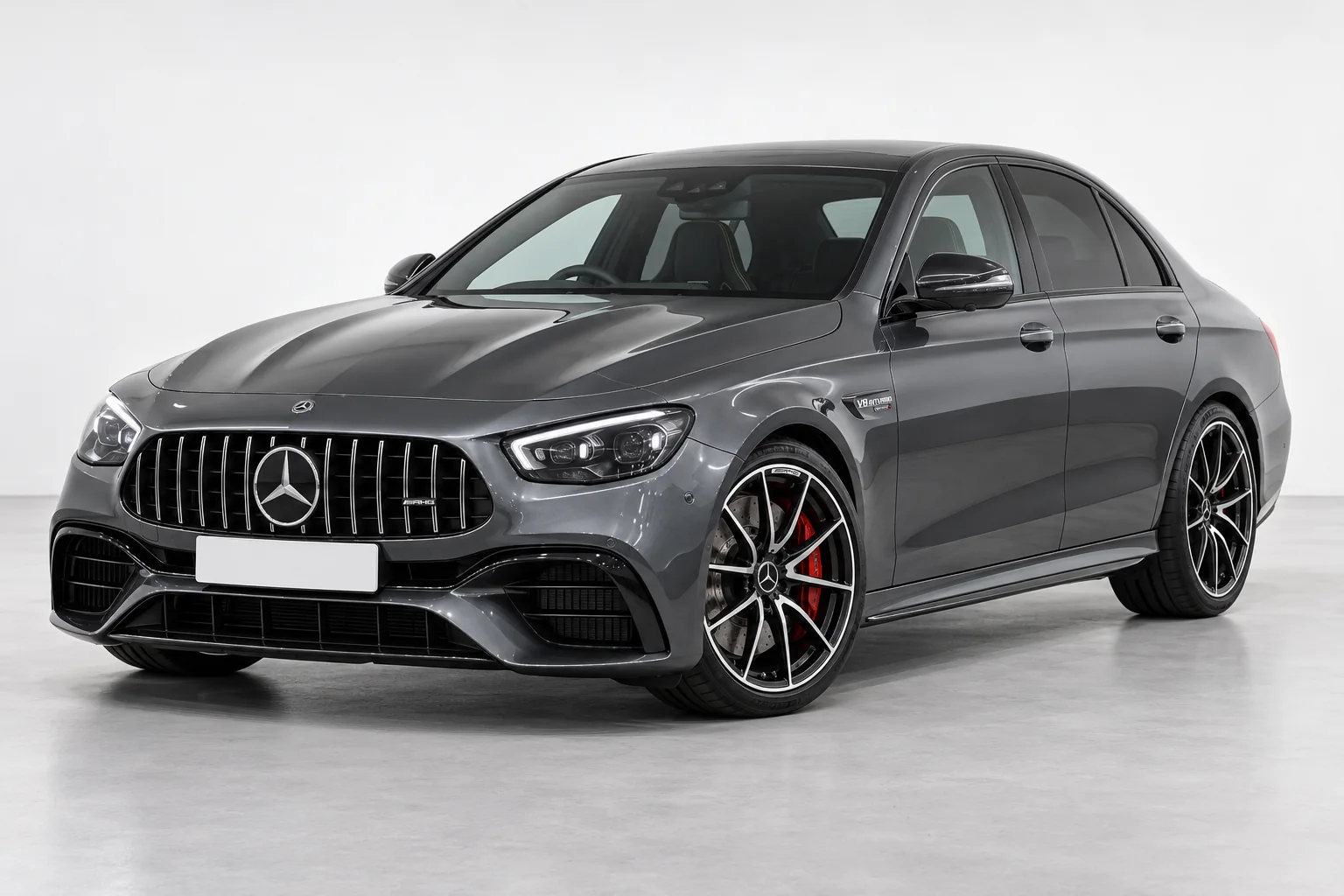
Mercedes‑Benz Digital Dash

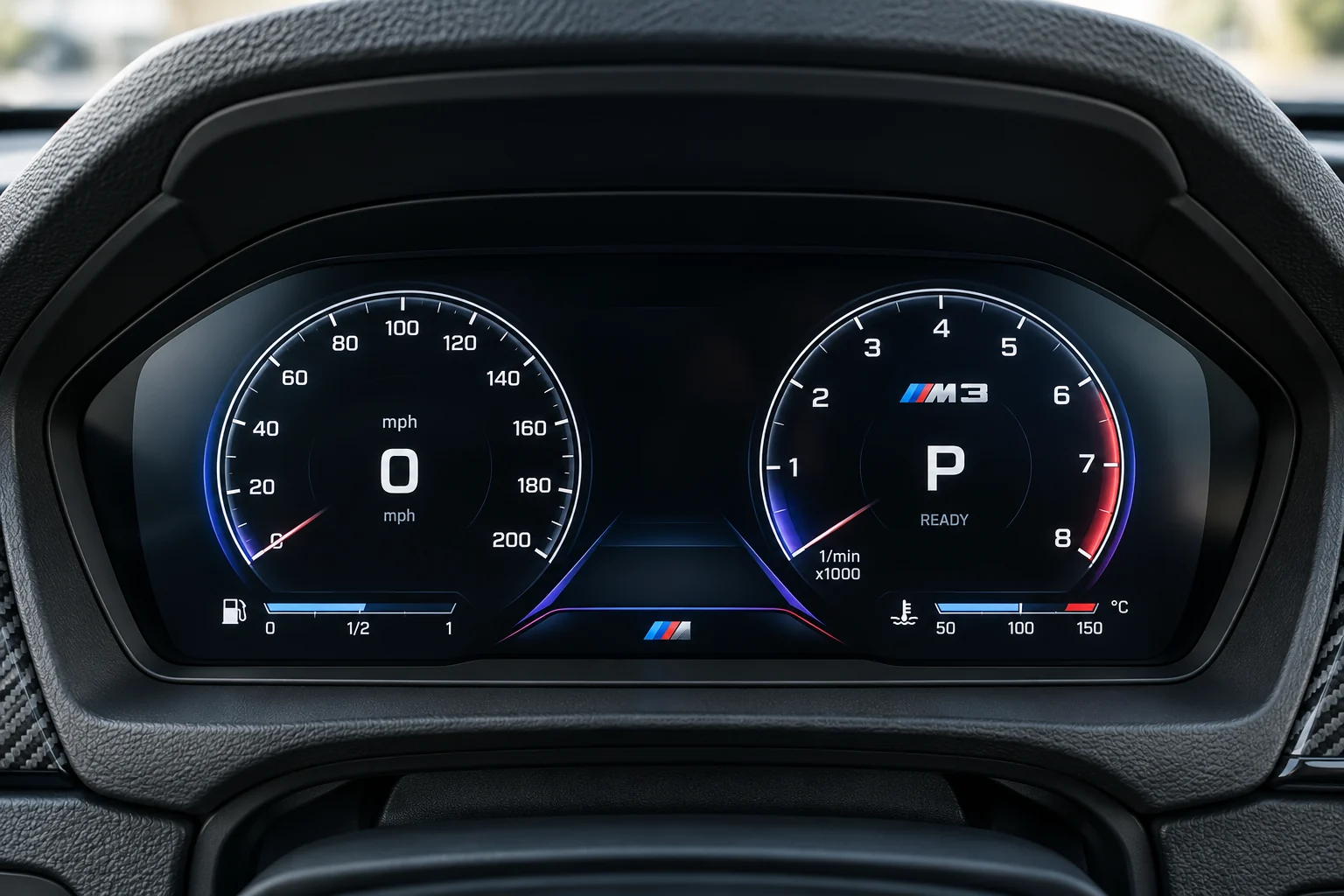
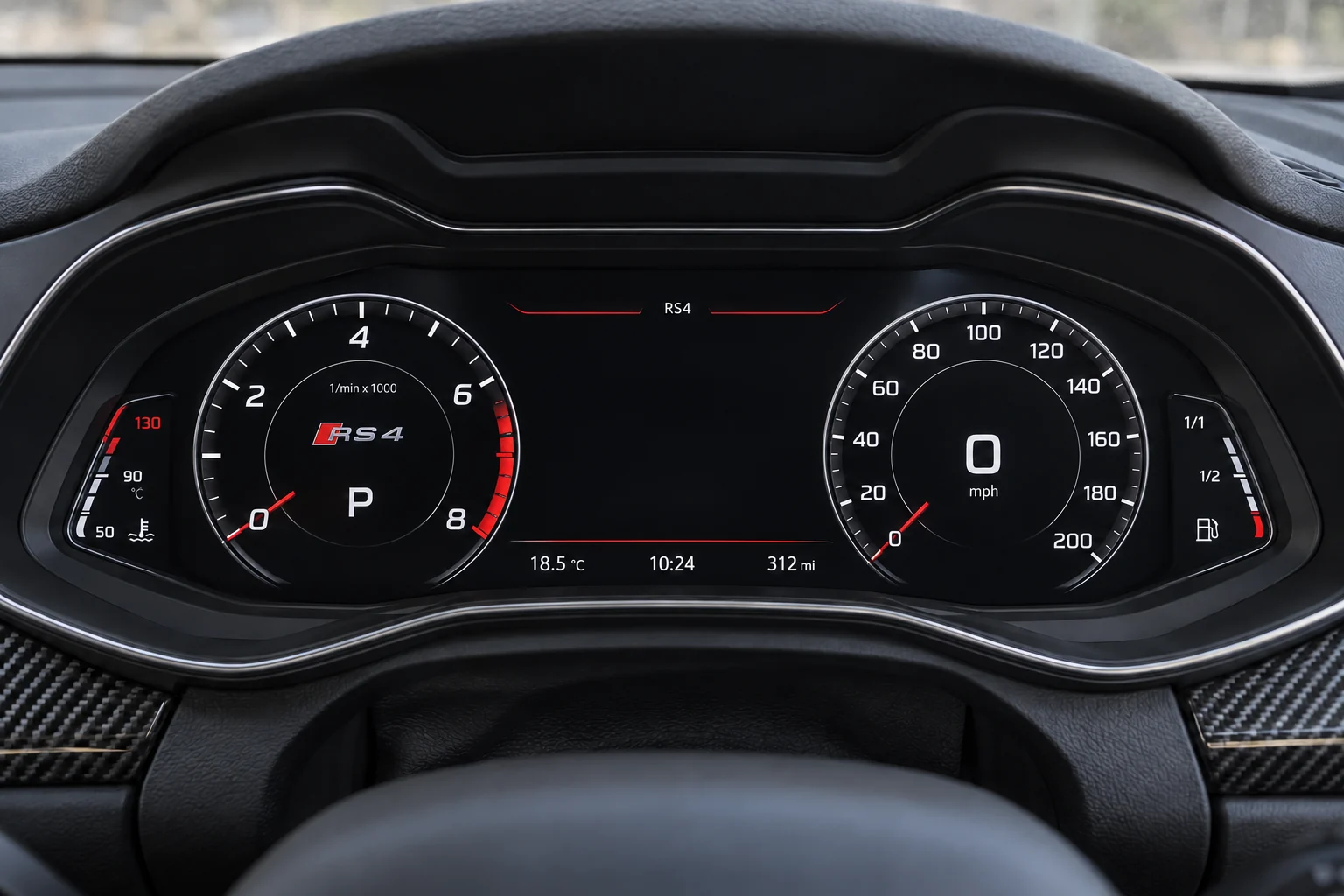
A digital instrument display, specified around your car.

From £495Guide price. Starting price for one unit; exact system, screen size and included hardware confirmed for your car.
Your vehicle
1. Confirm your car2. Add the original setup3. Check hardware & price
Preview on your car

Explore this upgrade on your car. Exact dimensions and physical fitment require confirmation.

Your basket is a fitment and pricing request. Nothing is ordered until the exact specification and price are agreed.

Original equipment checkedRetailer support before an order

A new view of the essentials.

Instrument displays carry essential vehicle information. Original warnings, mileage handling and coding need a product-level check.

Where it goes
The instrument display behind the steering wheel.
The starting point
Original cluster type, warning functions and configuration.
Before you order
Exact product specification, supplied accessories, installation and total price.
THINK ABOUT THE EVERYDAY DIFFERENCE

What would you like
the upgrade to do?

Compare the routes, then tell us your priorities. The exact hardware comes after the original-equipment check.

01

Refresh the driver’s view

This replaces or changes the instrument display behind the steering wheel. Start with the original dials and the information you want to see, then review the conversion, coding and installation requirements.

Details to discuss
  • Original cluster and transmission
  • Required warnings and vehicle information
  • Coding, mileage and installation requirements
  • Driving-side and display-function confirmation
02

Plan both displays together

Add the centre screen and driver display to the same build to plan their appearance and operation together. Shared content or synchronised functions need explicit confirmation for the exact pair of units.

Details to discuss
  • One clear list of the functions you want
  • Separate compatibility checks for both displays
  • Whether any shared content is explicitly supported
  • Installation sequence and complete quoted scope
THE CARS BEHIND THE RANGE

One upgrade range.
More detail for your car.

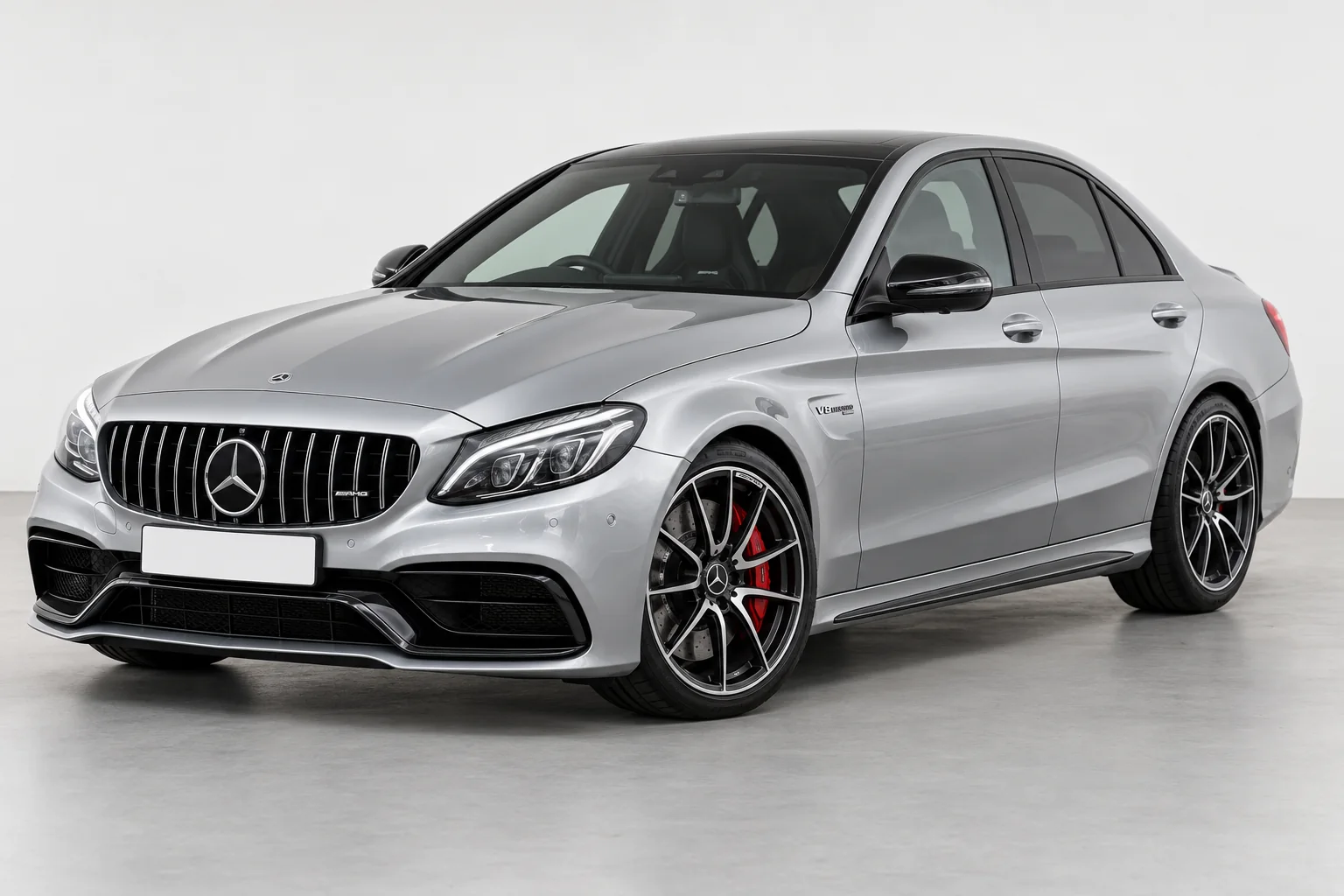
Choose your setup above, or explore the original equipment for a model family. A guide is a starting point for review.

Explore the vehicle library ↗
BEFORE YOU CHOOSE

Decide what the new instruments need to do.

List the original information and controls you use, then check the proposed cluster against that list.

Plan a digital dash upgrade
Original instruments

Record analogue or factory digital instruments, the gear display and the controls used to change views.

Functions to confirm

Ask about warning messages, status information, units, service data and any navigation view you want.

Installation records

Agree configuration, the function check and how original and replacement mileage readings will be documented.

Mercedes-Benz setup note. Record the original system and its version if known. “NTG” describes a family, not a complete product match. Keep a photo of the original main menu and controls ready rather than choosing from the screen shape alone.

Help identify my original system ↗

Need help identifying the system?

Keep a clear photo of the original display and its system-information page ready.

Talk through your setup ↗
KEEP EXPLORING

Other upgrade ranges.

View all →
01 / YOUR CAR

Find your car.

One registration. A clearer starting point for your next upgrade.

Saved for this visit. How we use your registration.

UP NEXT

Choose what you’d like to upgrade. We’ll check the original equipment before confirming exact hardware.

POISD.Find parts for my car
Make it your upgrade

Choose your setup.

upgrade hardwareExact hardware varies by vehicle.
Your vehicleAdd your car

Tell us what’s fitted now. We’ll check the exact unit, fitment and price for your car.

See vehicle / generation examples (optional)

Choose only a generation you recognise. Your registration result stays unchanged.

Fitment & price confirmed before an order.

Your upgrade selection

Your basket.

Keep your chosen upgrades and original setup together.

A good build starts here.

Choose an upgrade, add your setup and save it to your basket.

Shop the range →
Side by side

Find your route.

Compare the purpose and original-equipment checks for each upgrade.

Check the details

Tell us about your setup.

We’ll help identify the right hardware and confirm the specification before an order.

Know your original setup? Add the details (optional)

We use these details to review your enquiry. Please don’t include payment details. How we use your information.